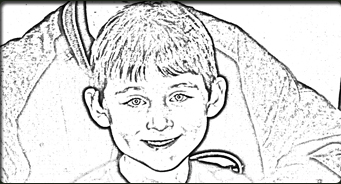
Grab the image that you wish to manipulate and we will begin the tutorial. I chose a photo of my son and me but any image will be suffice.
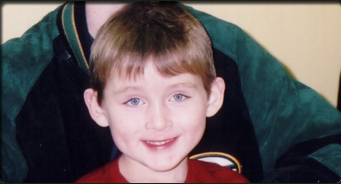
After you have an image go to the top main menu bar and select "Filter" then "Other" and lastly "High Pass" Put 6.4 as the setting and click "OK".
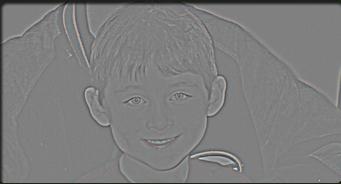
Now go to the main menu bar once again and this time go to "Image" then "Adjustments" then "Equalize."
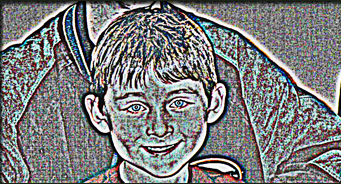
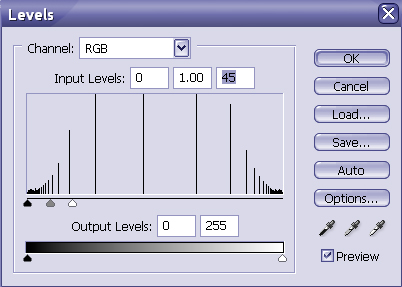
Go to the main menu and click on "Image" then select "Levels" and use the below settings.
You should now have the below image.
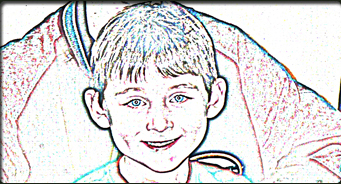
Lastly, go to "Image" then "Mode" and select "Greyscale" and click "OK." Be sure to clean up an blemishes and save as a different filename and your done.
The Results!!!