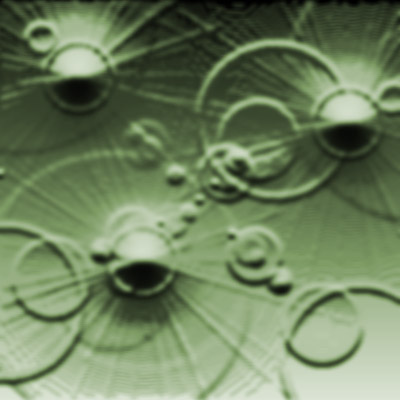
I started of with an image of 400x400, but any size really works.
1. Fill the layer with black.
2. Go to Filter>Render>Lens Flare and do a random lens flare somewhere around the picture. Do this several times.
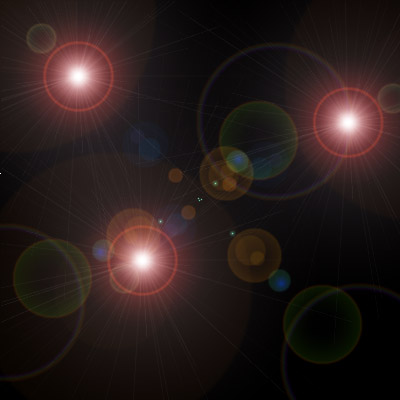
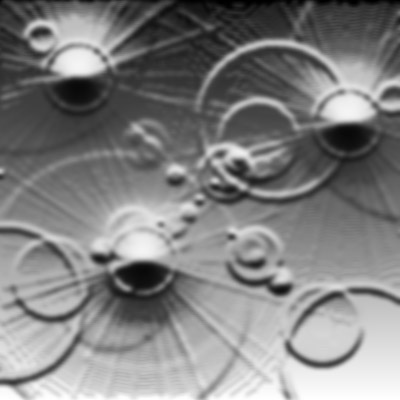
3. Go to Filter>Sketch>Bas Relief with these settings:
Detail: 11
Smoothness: 5
4. Now do a Hue/Saturation (Ctrl+U) with these settings:
Hue: 94
Saturation: 22
Lightness: -12
Colorize: Checked