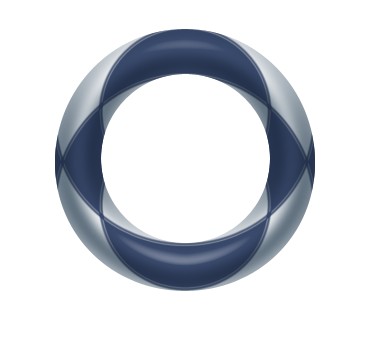
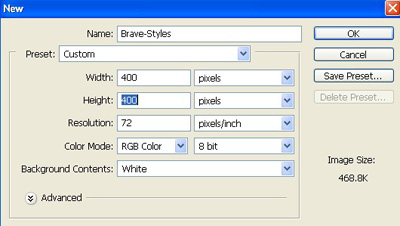
1. Take a new file of 400 pixels 400 pixels of resolution 72 dpi in the RGB mode.
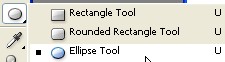
2. Now select the Ellipse tool from the tool palette.
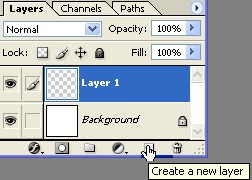
3. Make the new layer from layer palette.
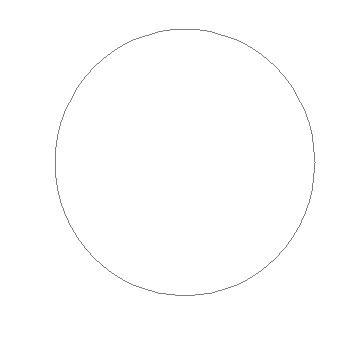
4. Now draw a circle as shown image below.
5. Next go to the option bar at the top and choose "Subtract from Shape Layer"
 .
.
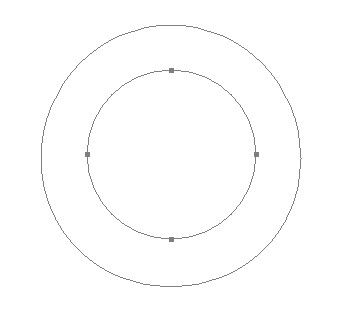
6. And draw another Ellipse Shape to the center of the previous one.
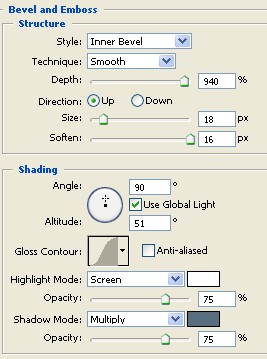
7. Then go to Blending Option and select Bevel and Emboss use these settings.
8. Next, set the Contour to the map as I have captured.
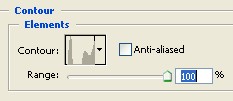
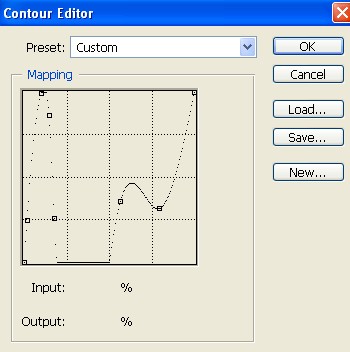
9. Then go to Blending Option and select Satin Structure use these settings.
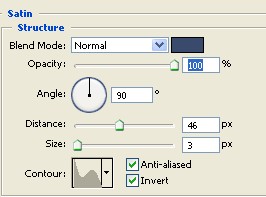
10. Your image should be look like this.
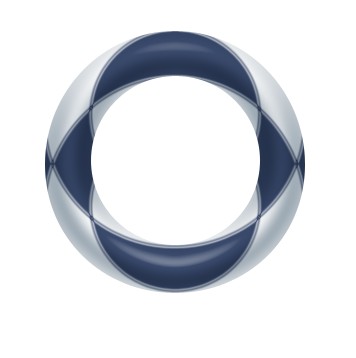
11. Now make the copy of layer and change the Blending Mode Multiply see in the next image.
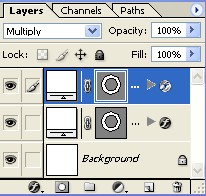
12. Your final image should be look like this.