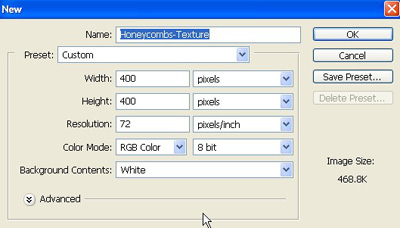
1. Take a new file of 400 pixels 400 pixels of resolution 72 dpi in the RBG mode
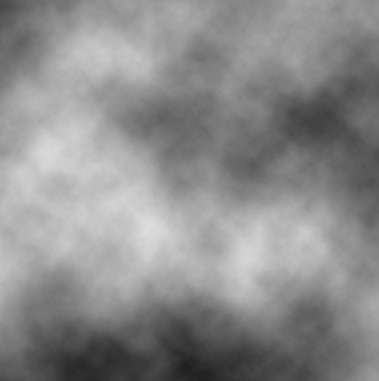
2. Go to the Filter>Render>Clouds.
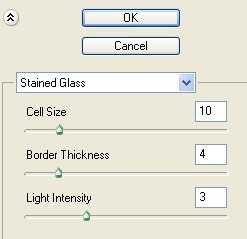
3. Then go to the Filter>Stained Glass use these settings.
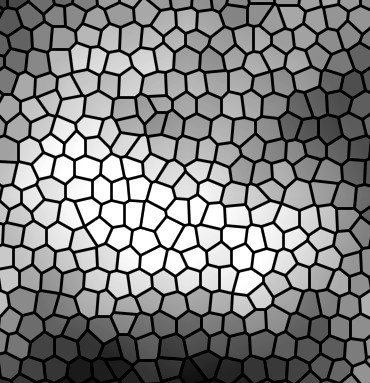
4. Your image should be look like this.
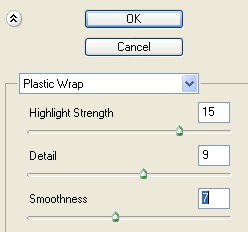
5. And now go to Filter>Artistic>Plastic Wrap use the following settings.
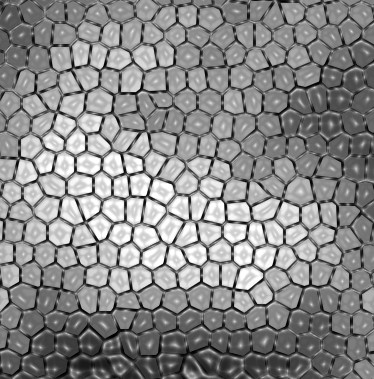
6.Now your image looks something like this.
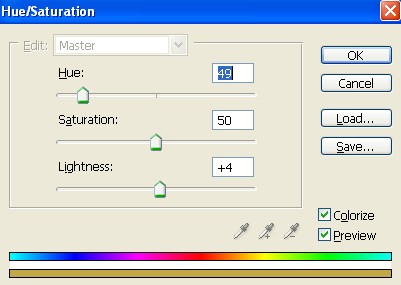
7. Now add some color press Ctrl+U use these settings.
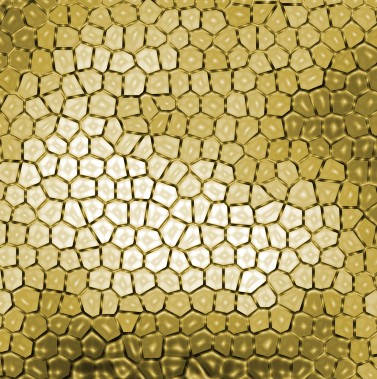
8. Your image should be look like this.
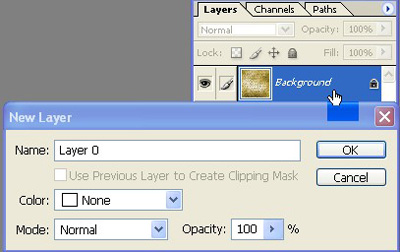
9. And now double click on your background layer then click ok as shown image below.
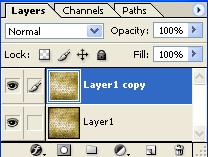
10. Make the copy of layer1.
11. And now finally you can change the Blending Mode Linear Burn.
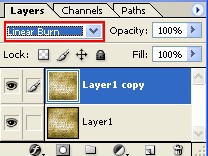
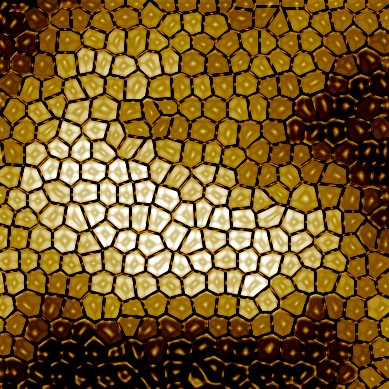
12. Your final image should be look like this.