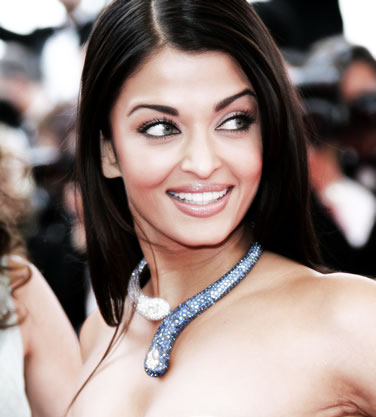
Open your image :
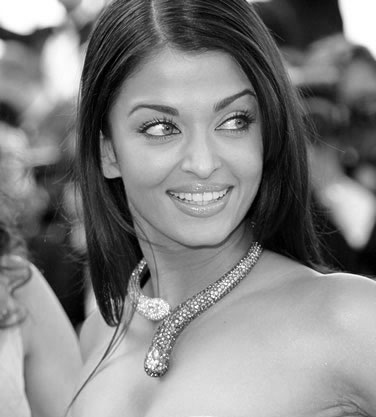
Press control+j to duplicate the layer. Press shift+control+u to desaturate it :
Go to filter> Stylize>Diffuse as shown.
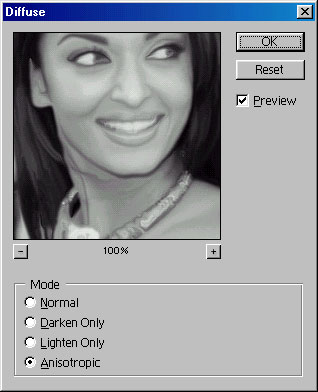
Press control+f after applying the diffuse filter i.e. repeat the last filter :
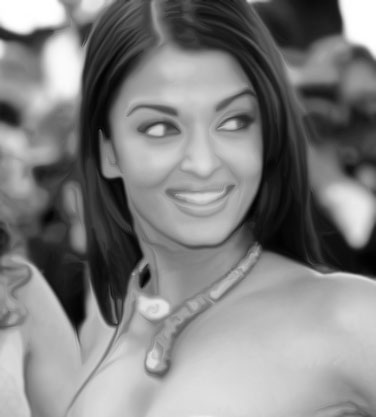
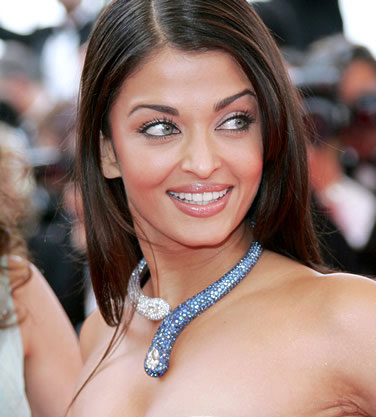
Our final step is to change the blending mode to Hard Light. You now have a glamorous picture :)