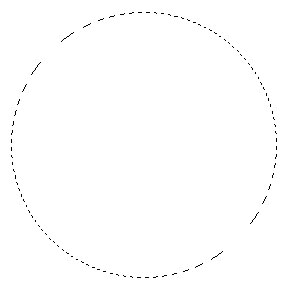
Create a new layer by pressing shift+ctrl+n. Select elliptical marquee tool and draw a selection as shown :
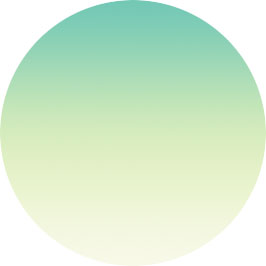
Create this gradient :

Fill the selection with it :
Drag a guide as shown :
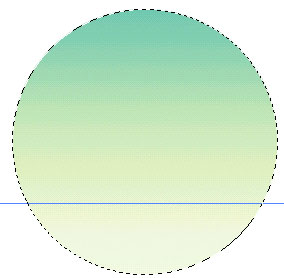
Select rectangular marquee tool. Press alt and draw a rectangular selection starting from the guide towards downside :
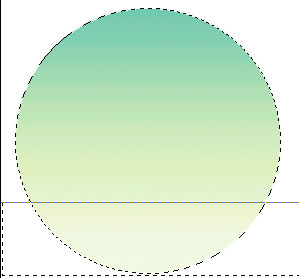
You should have something like this :
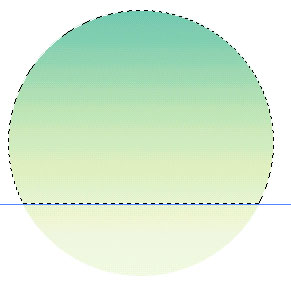
Press control + i to invert the selection. Now, press shift+alt+ctrl keys together and click on the circle's layer name in layer palette. You should have selection like shown in the figure below :
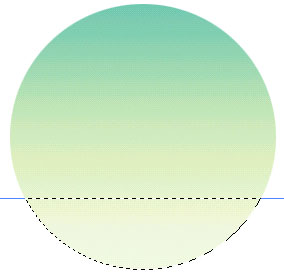
Create a new layer. Create a new gradient or set the foreground color to #7AC7BC and background to #6FBB8A and fill the new layer with linear gradient (the first gradient in the option palette)
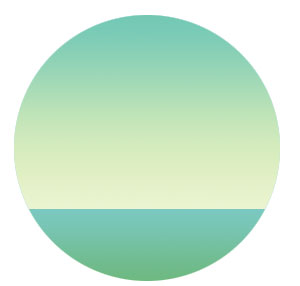
Now, we will draw trees. For that, select pen tool and draw the shape as shown :
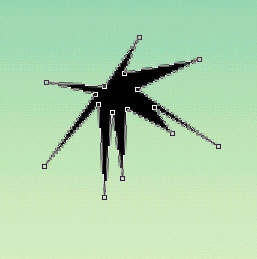
Adjust the nodes :
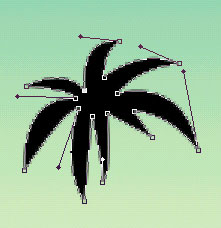
Draw another shape :
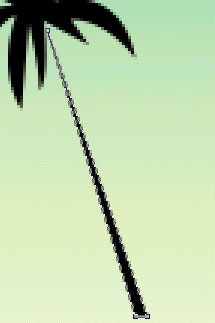
Adjust the nodes as shown :
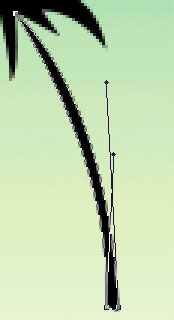
Draw two more trees with similar technique :

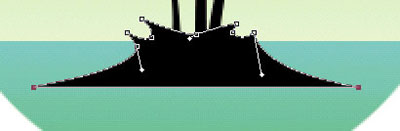
Draw the shape with pen tool :
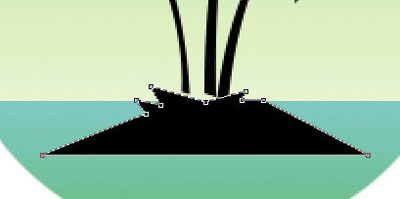
Adjust the nodes as shown :
Draw #FEFE0A colored circle with ellipse tool behind the tree layers to finish drawing. Our graphic is ready :)