1. First of all open a new document size 400x400 pixel after that fill the Black color with Alt+Backspace

2. Now create a new circle with the help of the Elliptical marquee tool
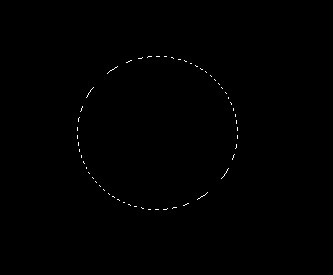
3. Press the Shift+I . for Inverse after that Press the Ctrl+D to deselect
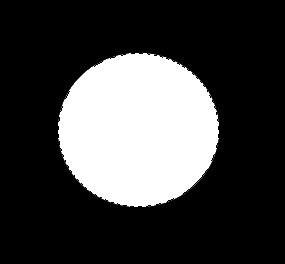
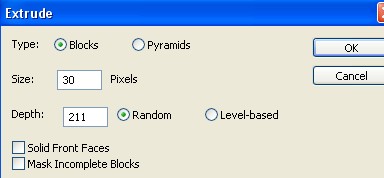
4. Now go to Filter>Stylize>Extrude
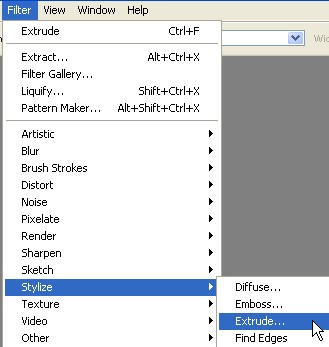
5. Look below and use the following settings in the Extrude
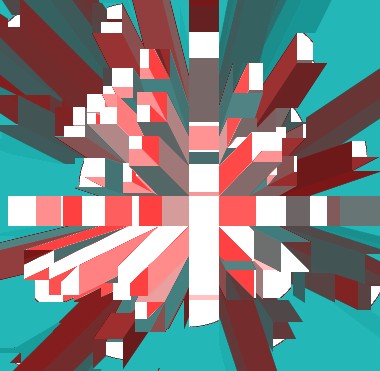
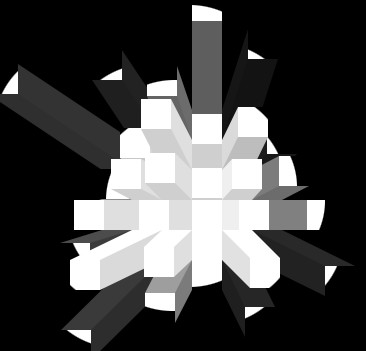
6. Your image should look like this
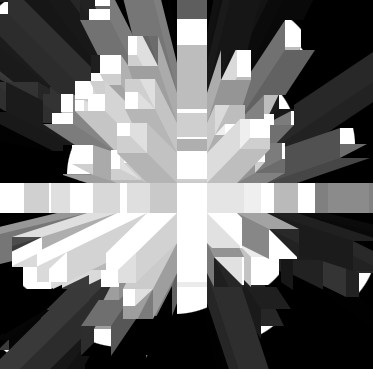
7. Now press the Ctrl+F
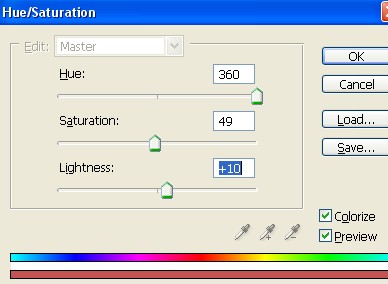
8. Press the Ctrl+U to the Hue/Saturation and use the settings below
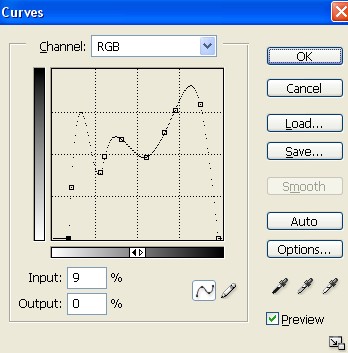
9. Now here Press the Ctrl+M to the Curves and use the settings below
10. Your image is done.