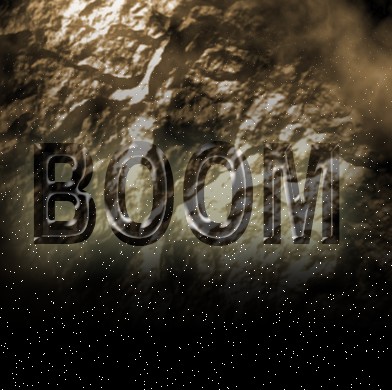
1. First of all Take two images and combine both image into one image with the help of the Move tool. As shown below
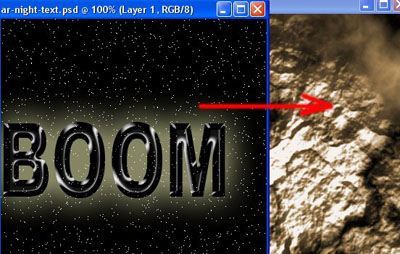
2. Combine image as shown below
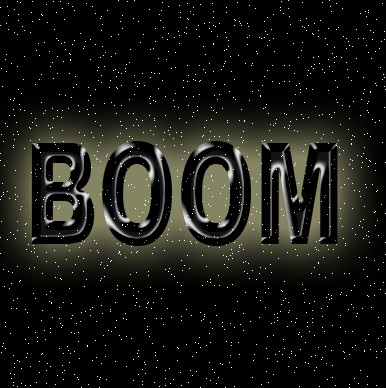
3. Now click on this icon 'Add layer mask'.
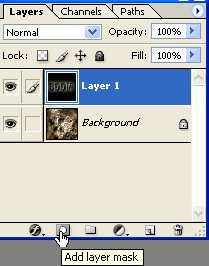
4. Now layer window will be look like this
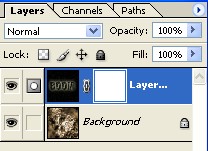
5. Now press the "D" key on your key board. Select the Linear Gradient tool

6. Use the Gradient tool. As shown below
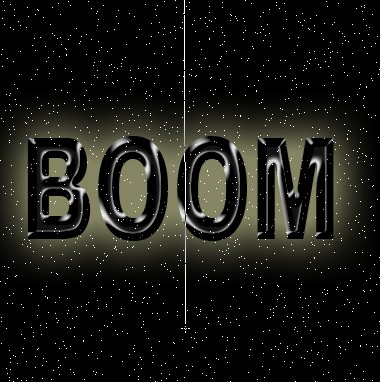
7. Your image should look like this. Final Image.