1. First Open a new document size = 420 x 420 pixel 96 resolution, RGBcolormode
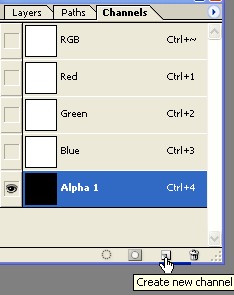
2. Create a new Channel as shown below
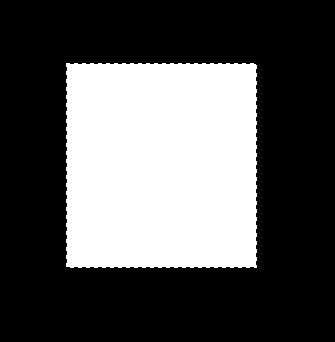
3. Create a new shape with with the help of the Rectangular marquee tool and fill the white color now deselect [ Ctrl+D ]
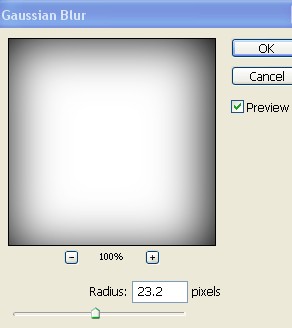
4. Now here go to Filter menu>Blur>Gaussian Blur and use the settings below
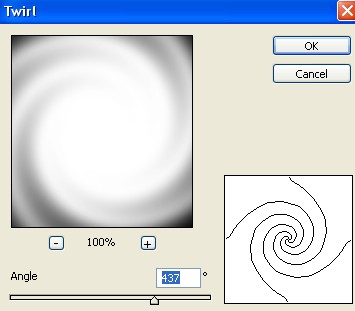
5. Now go to Filter menu>Distort>Twirl and use the setting below
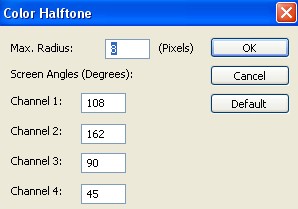
6. Now here go to Filter menu>Pixelate>Color Halftone and use the following settings
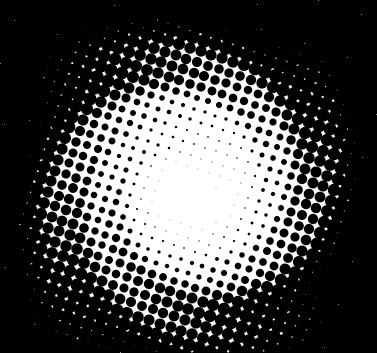
7. Your image should look like this. As shown below
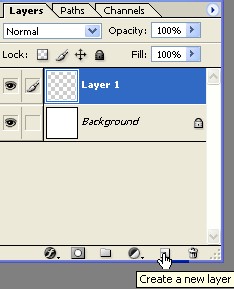
8. Create a new Layer and fill the light blue color or any color.

9. Now Ctrl+Click on the Alpha channel and press the Ctrl+C
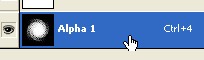
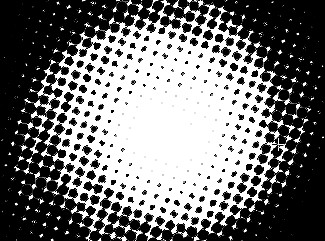
10. Now here select the Layer1 and Press the Ctrl+V as shown below.
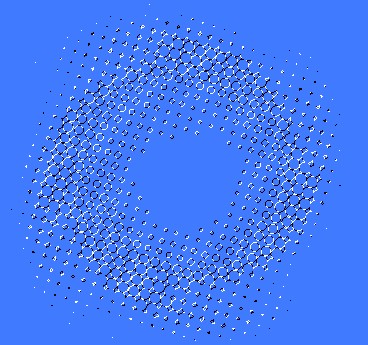
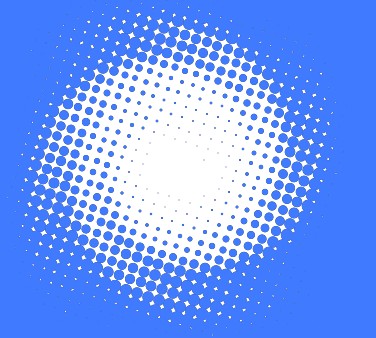
11. Your image should look like this .
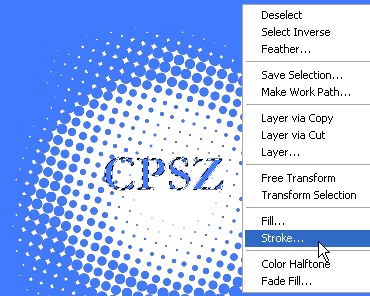
12. Type any words with help of the Text tool now right click on this text layer and select the Rasterize after that Press the " M " on your keyboard and right click now select the Stroke =width 1 pixel,Black color
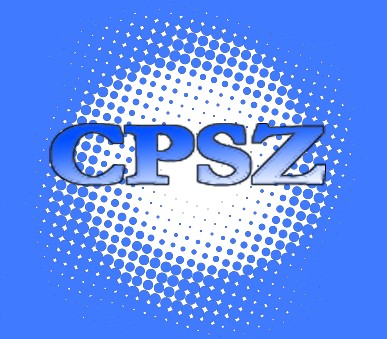
13. Your image has been comleted.