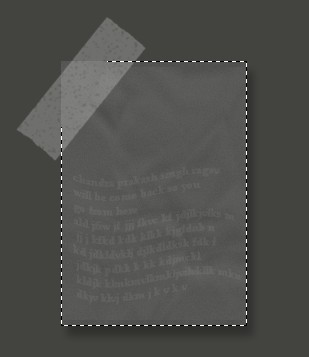
1. First Open a new document size 400x400 pixel 96 resolution , RGBcolormode
2. Create a new Channel from the channel window.
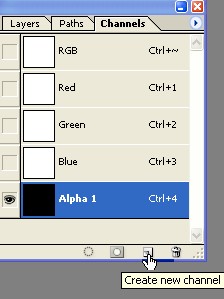
3. Create a new Rectangle help by Rectangular marquee tool and fill with the white color.
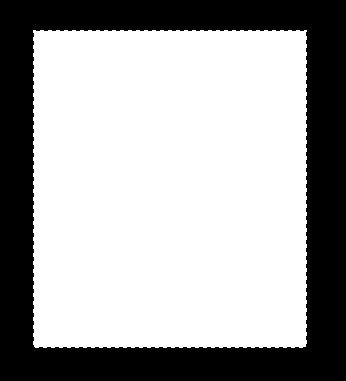
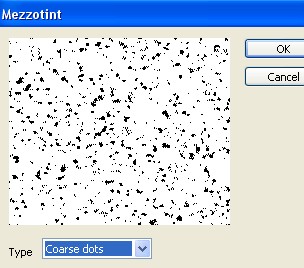
4. Go to Filter menu>Pixelate >Mezzotint type=Coarse dots select the ok
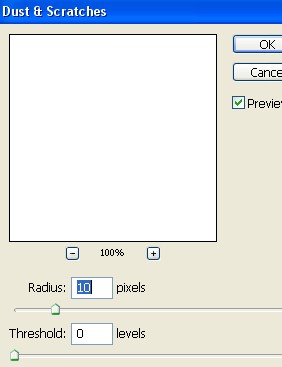
5. Go to Filter menu>Noise> Dust & Scratches and apply the following setting
6. Now create a new shape and press the Shift+Ctrl+I And press the 'Delete' key on your keyboard . Now press the Ctrl+D
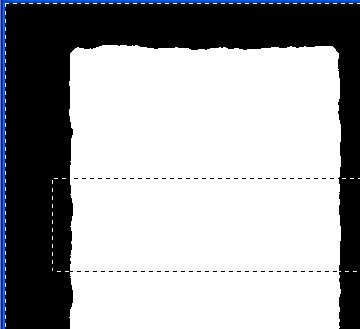
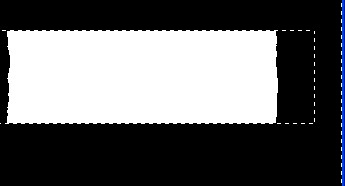
7. Now press the Ctrl+T and round it As shown below after that press the Enter key
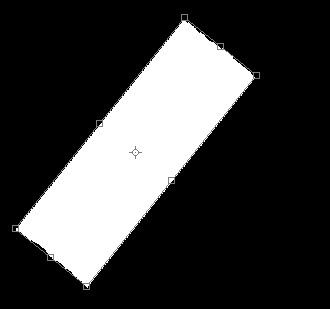
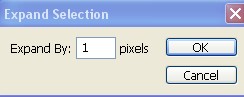
8. Ctrl+Click on this channel layer now go to Select menu>Modify> Expand > by 1 pixel
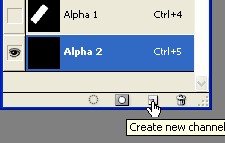
9. Create a new channel. as shown below
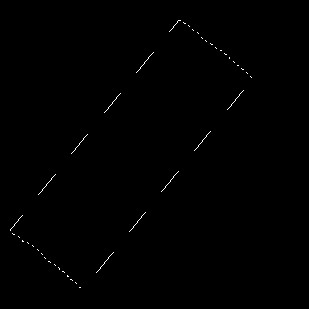
10.Now here fill the white color and press the Ctrl+D
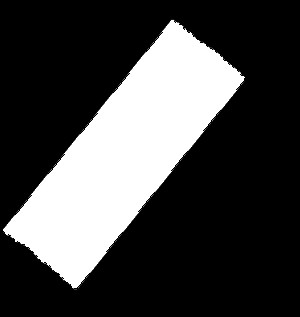
11. Go to Filter menu>Pixelate>Mezzotint and use the setting bellow
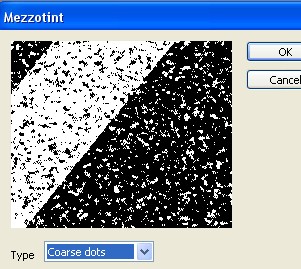
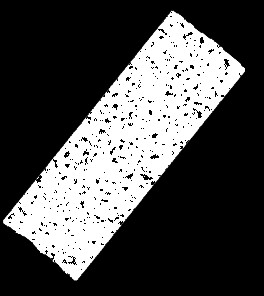
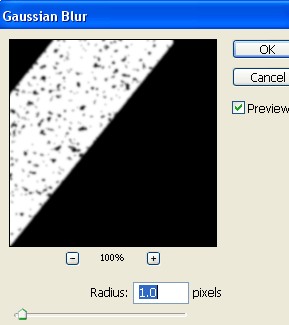
12. Now go to Filter menu>Blur>Gaussian Blur
13. Ctrl+Click on this channel
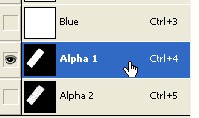
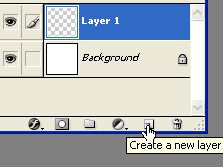
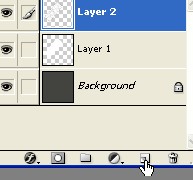
14. Create a new Layer1 and fill selection with white color
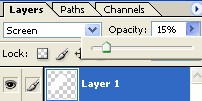
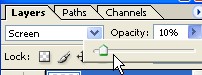
15. Set the Blending mode to Screen and Opacity 15%

16. Now Ctrl+Click on the Channel. As shown below and press Ctrl+C
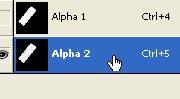
17. Create a new Layer2 and press the Ctrl+V. After that radius Opacity=10%
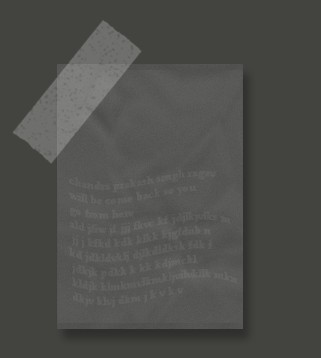
18. Your image should look like this and complete your image
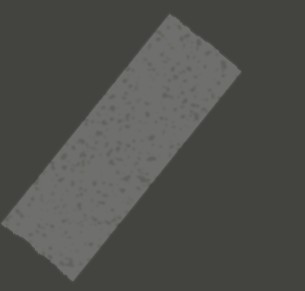
19. If you want to paste a page with this tape. look at the image below