Start by opening an image of a flag.

Create flag selection using lasso tool.

Press Ctrl+T. Right click the layer and select warp.
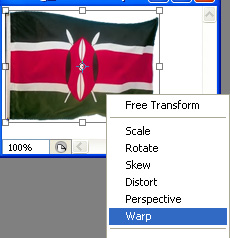
Adjust nodes as shown.
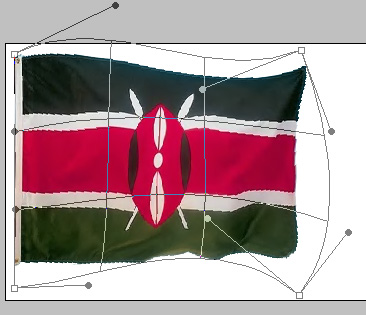
Create three duplicates of this flag layers. Repeat the above step and warp each layer differently.



Open animation window. For the first frame keep the first layer unhidden and hide the rest of the layers.
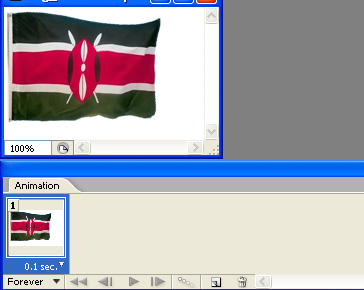
Duplicate frame. Hide the first layer and unhide the second layer.
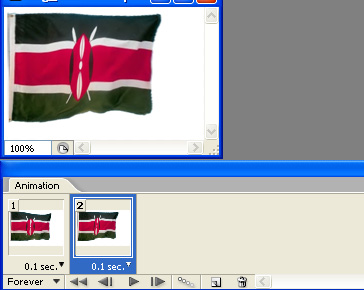
Duplicate frame. Hide the second layer and unhide the third layer.
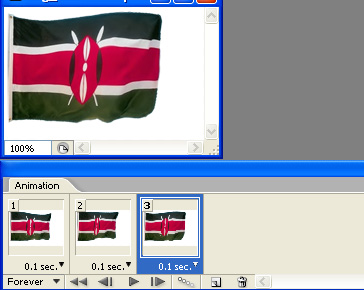
Duplicate frame. Hide the third layer and unhide the fourth layer.
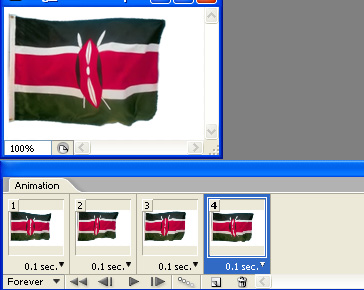
Press Ctrl+Alt+Shift+S to save an optimized animated GIF.