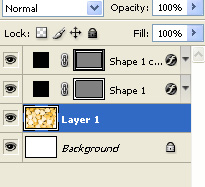
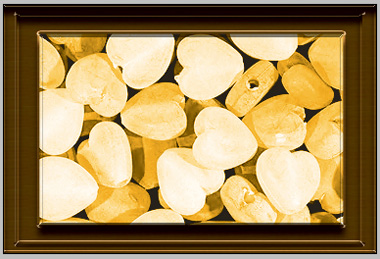
Start by opening a new file. In a new layer, create a frame using custom shape tool.
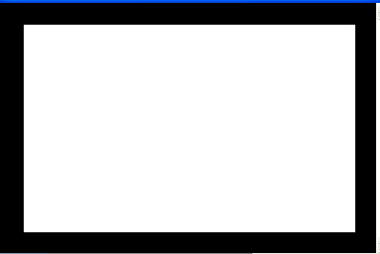
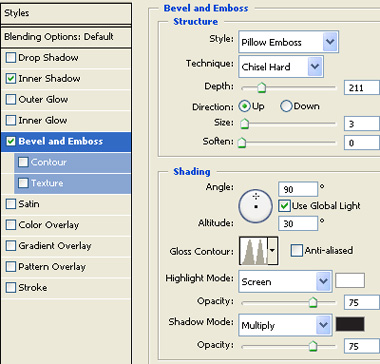
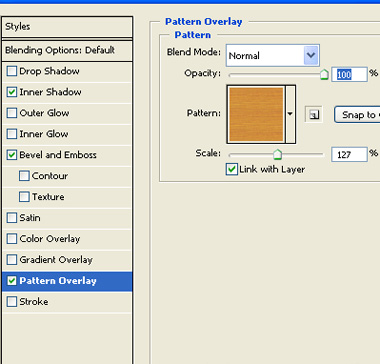
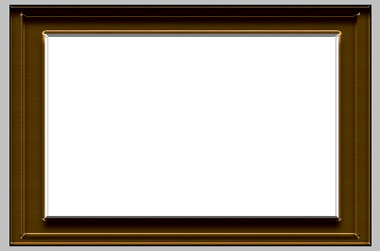
Double click the layer to open layer style window . Enable inner shadow, bevel&emboss and pattern overlay. Apply settings as shown.
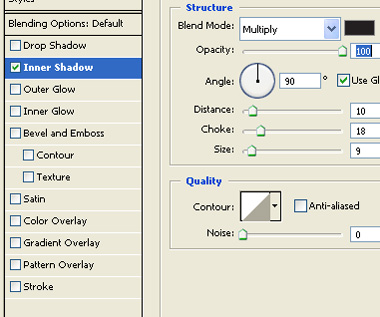
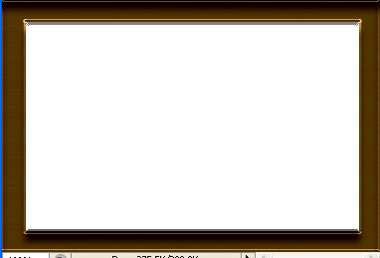
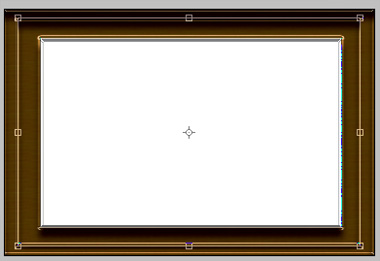
Duplicate the layer and press Ctrl+T to transform.
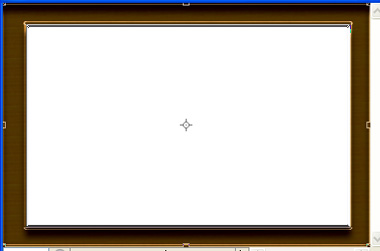
Scale it down.
Open another image you want to frame and drag it to the main file.
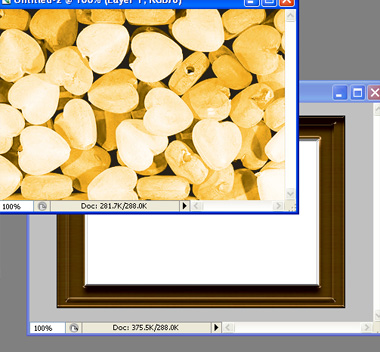
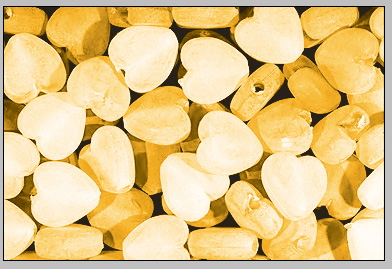
Move the image layer below the frame layers.