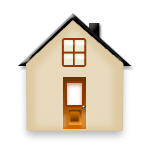
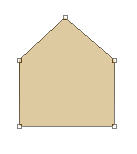
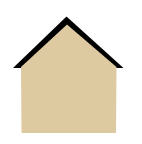
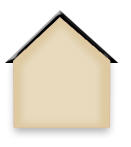
1. Start new document with 350 width and 250 height. Create New layer. With the help of Pen tool, draw the following shape.Call it Base.
2. Create new layer and select polygon tool from tool bar with 3 sides. Make sure black is set as your foreground color. Draw a triangle.
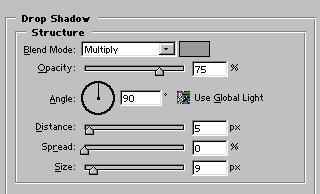
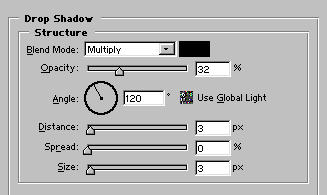
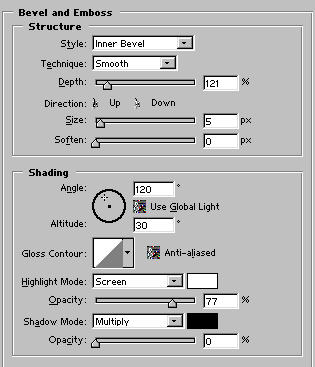
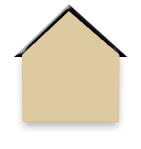
3. Now apply Blending Options.
4. duplicate base layer. resize it and fill it with white color. . Apply 3 px Gaussian Blur. Set it opacity to 30%.
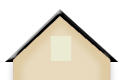
5. Create new layer. with the help of rectangle tool, draw a window fill it with color #EBEBD2.
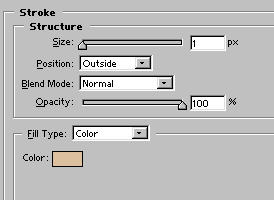
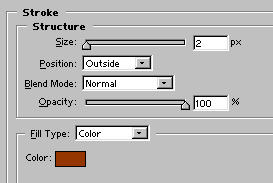
6. Now apply stroke effect.
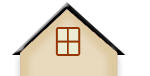
7. Then with the help of 5px soft brush, add some reflections.
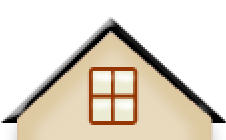
8. Create new layer for Door, with the help of rectangle draw a door.
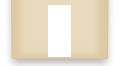
9. Then apply Gradient effect.
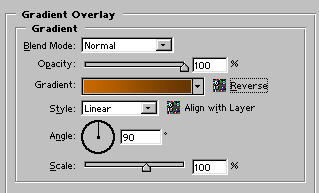
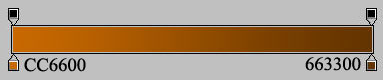

10. Now draw another rectangle with white color.

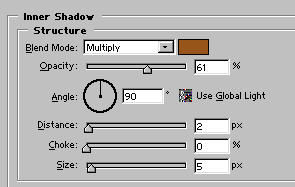
11. Apply some effects.
12. Add some more effects my final result.