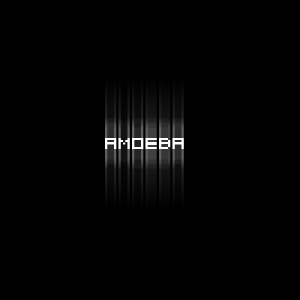
Step 1
Create a document with a dark background. Type something up.
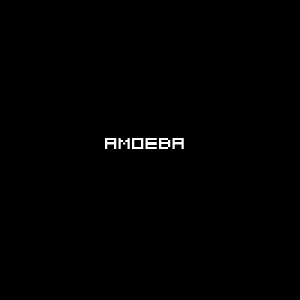
Step 2
Duplicate this layer and on the duplicated layer, goto Layer>>Rasterize Layer. Now on this rasterized layer, goto Filter>>Blur>>Motion Blur. Set Angle to 90 and Distance to 40.
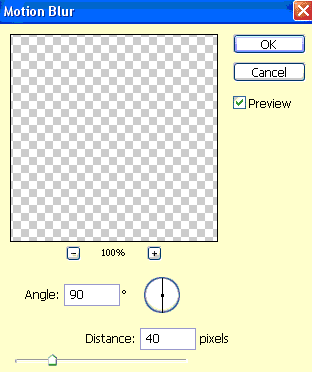
Step 3
Now on this rasterized layer, goto Filter>>Blur>>Motion Blur. Set Angle to 90 and Distance to 40. Repeat steps 2 and 3 until a good effect is reached. Play around with the blur values as well.
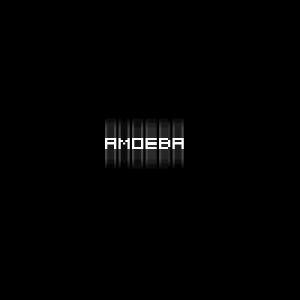
Final Result: