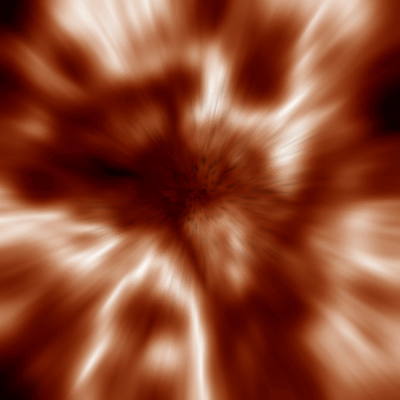
1. Create a new file, any size is fine I did 400x400. Fill the background white.
2. Filter -> Render -> Difference Clouds
3. Control+F, repeat this four times.
4. Give it some color with Control+U and do:
Hue 205
Saturation 50
Lightness 0
Check Colorize.
5. Control+J to duplicate the layer.
6. On the background layer, Control+A, delete, and fill the background black. Now go back to the top layer.
7. Choose eraser tool and pick rough round bristle.
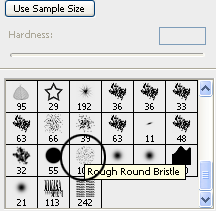
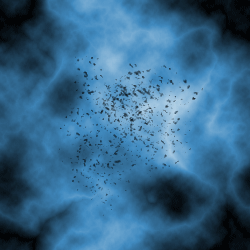
8. Slowly erase some parts of your top layer so you can see some of those dots.
9. Filter -> Blur -> Radial Blur
Zoom
Best
Amount 34
Now do Control+F to repeat this once more.
10. Invert (Control+I)
11. Levels (Control+L) and fill in these values..
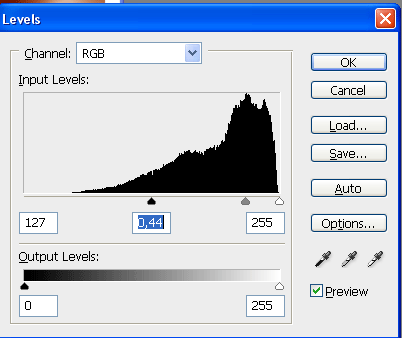
And that makes..