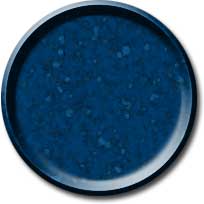
1. Create a new file. Create a new layer. Draw circle using Elliptical Marquee Tool and fill with the dark color. Deselect with Ctrl + D
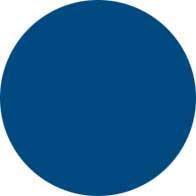
2. Filter > Noise > Add Noise
(Amount: 7, Uniform, Monochromatic)
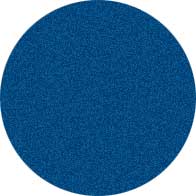
3. Filter > Artistic > Watercolor
(Brush Details: 14, Shadow Intensity: 0, Texture: 3)
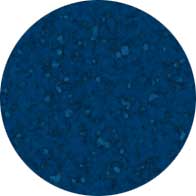
4. Layer > Layer Style > Bevel and Emboss
(Inner bevel, Size: 16)
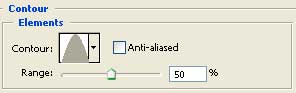
Check Contour. Change the element to Cone
Select Drop Shadow also.