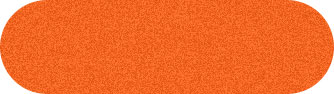
1. Create a new file. Create a new layer. Draw the Elliptical button and fill it with the color shown in the figure.

2. Filter > Noise > Add Noise
(Amount: 7, Uniform, Monochromatic)
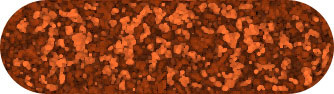
3. Filter > Artistic > Watercolor
(Brush Details: 14, Shadow Intensity: 0, Texture: 3)
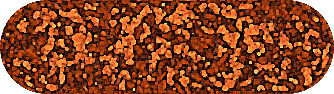
4. Filter > Sharpen > Unsharp Mask
(Amount: 300%, Radius: 1.3, Threshold: 0)
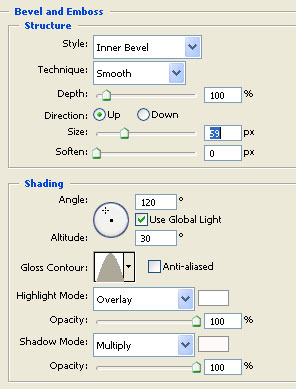
5. Layer > Layer Style > Bevel and Emboss
Change the settings according to the following figure.
Please remember to change the size to 59
Gloss Contour to Cone.
Highlight Mode to Overlay.
Change the palette color where ever it is required.
Click Drop Shadow also.
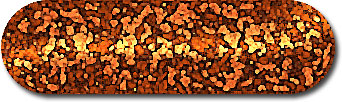
6. You will get the following result.