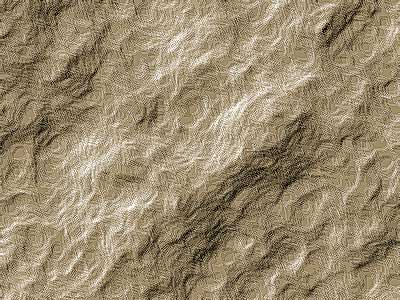
1. Create new file with default black and white color.
2. Filter > Render > Different Clouds
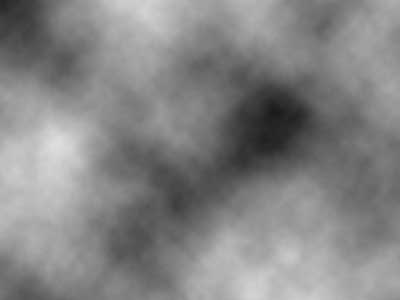
2. Filter > Artistic > Paint Daubs
(Brush Size: 8, Sharpness: 7, Brush Type: Simple)
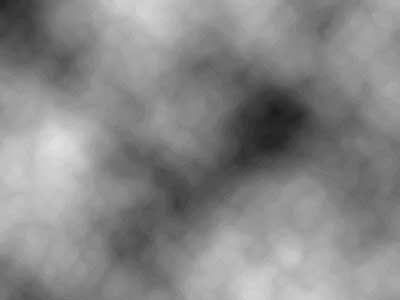
3. Filter > Stylize > Emboss
(Angle: 135, Height: 3, Amount: 100%)
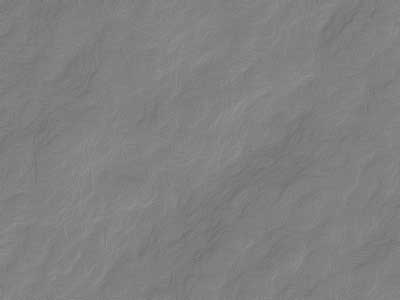
4. Image > Adjustments > Auto Levels
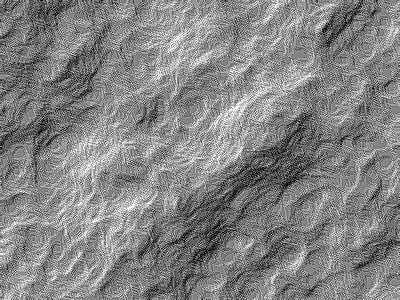
5. Image > Adjustments > Hue/Saturation
(Select Colorize, Hue: 40, Saturation: 24, Lightness: 0)