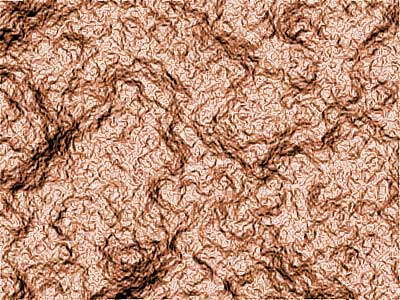
1. Create new file. Keep default black and white color for foreground and background by pressing D
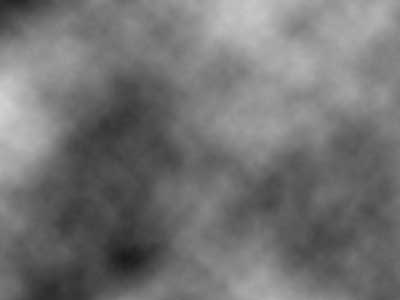
2. Filter > Render > Different Clouds
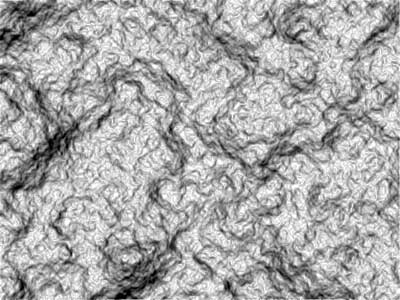
3. Filter > Stylize > Find Edges

4. Image > Adjustments > Auto Levels
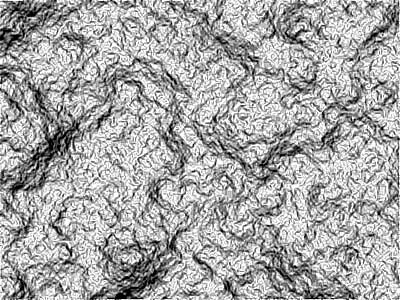
5. Filter > Sharpen > Sharpen More
6. Image > Adjustments > Hue/Saturation
Check Colorize
Hue: 20, Saturation: 50 Lightness: -8