1. Create new file. Keep default black and white color for foreground and background by pressing D
2. Filter > Render > Different Clouds
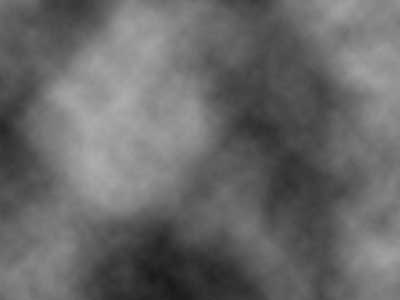
3. Filter > Render > Different Clouds
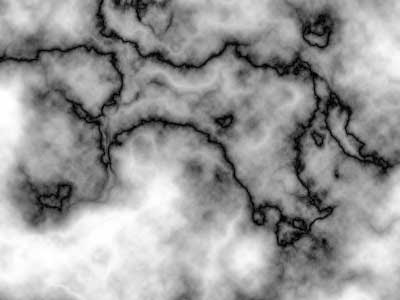
Repeat the procedure for Different Clouds filter till you get marble like basic texture.
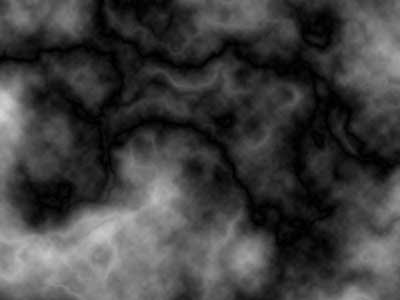
4. Image > Adjustments > Equalize
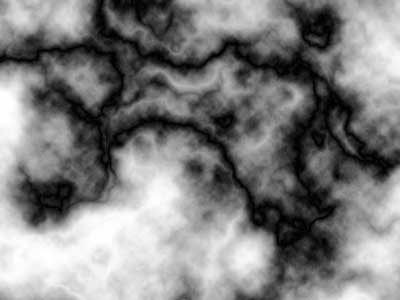
5. Image > Adjustments > Shadow/Highlight
(Shadows Amount: 100 %, Highlights Amount: 0%)
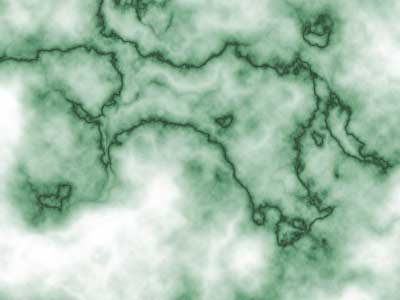
6. Image > Adjustments > Hue/Saturation
(Hue: 139, Saturation: 22, Lightness: +24)