


In this tutorial, I will use a couple of easy steps to make your image appear as if it is a negative from the roll of images.
1. Open your image.

2. Image>Mode>Greyscale. (Click "ok" when the box appears.)

3. Ctrl+I.
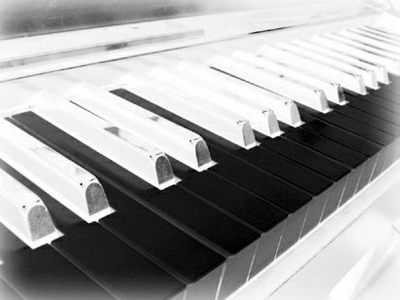
Ultra-quick and easy.
Here's another example, this time with a more colorful image:
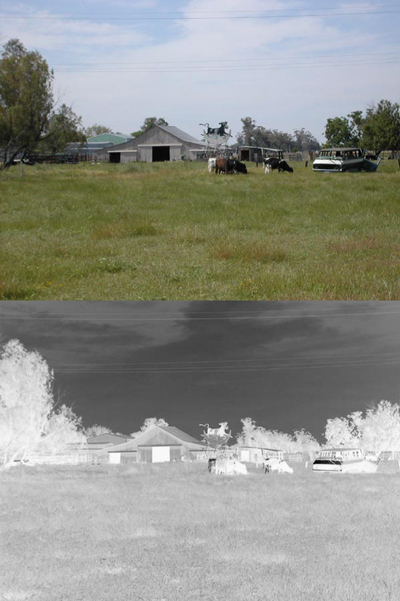
Click to enlarge
