

To realize this kind of effect you need to open a new image with a flat flag

Then create a new Layer ( press Ctrl+Shift+Alt+N )
Select Paint Bucket Tool
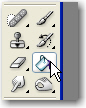
And fill your new layer with white
Then add the following layer styles
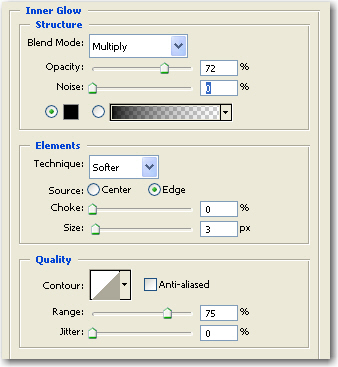
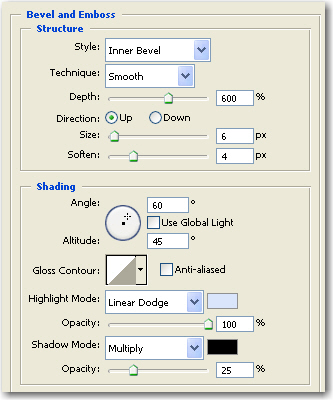
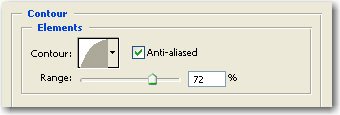
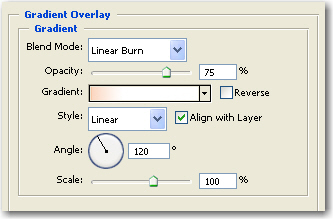
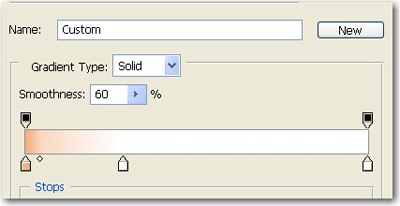
This is my result

The next step is to change the Fill settings to 0 %
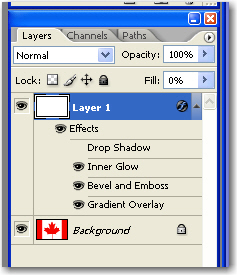
Then the result will be this one

I hope you will find this tutorial useful. it is very simple but you can use the same technique for each flag . Or different small size photos.
