Step 1
Open a new document and create a circle.

Step 2
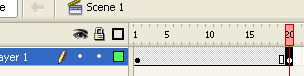
Click on frame 20 and press F6 to insert a keyframe.
Step 3
On frame 20, delete the circle and enter something you want the shape to morph into. I chose some text.

Step 4
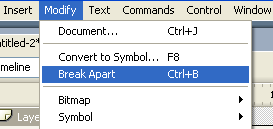
Now select the circle by clicking on it. Goto Modify>>Break Apart. You may need to do this twice. Do it until you see white dots on your text/object.
Step 5
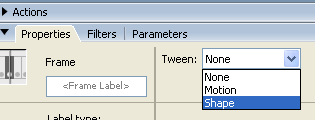
Now click anywhere between the 2 keyframes and go to the properties section located below the stage. Goto the tween option and select "Shape". Press Ctrl+Enter to preview your animation.
Final Result:
