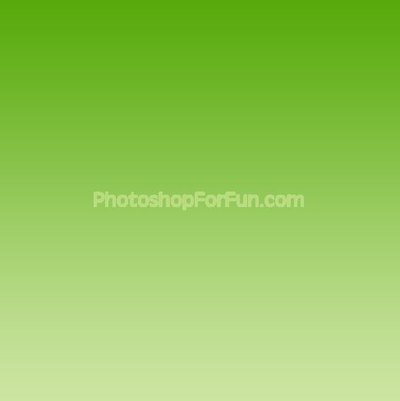
Start by applying a "green to light green" gradient in linear mode.
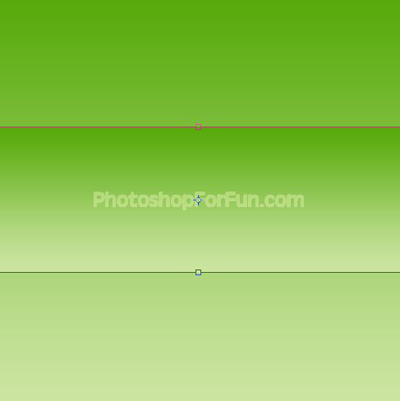
Duplicate the layer. Press Ctrl+T and scale down vertically.
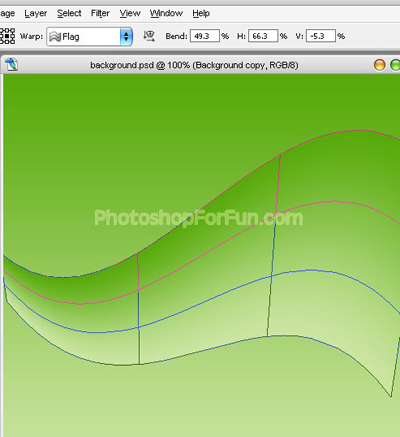
Press Ctrl+T. Right Click and select Warp. Select "Flag" style from the preset warp shapes. Apply settings as shown.
Press Ctrl+T and scale up.
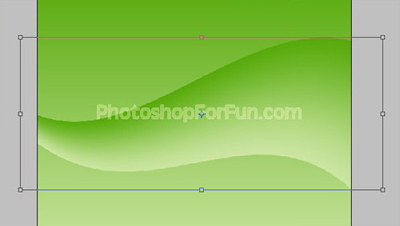
Duplicate the layer and change the layer mode to "Soft Light". Move this layer a pixels upwards.
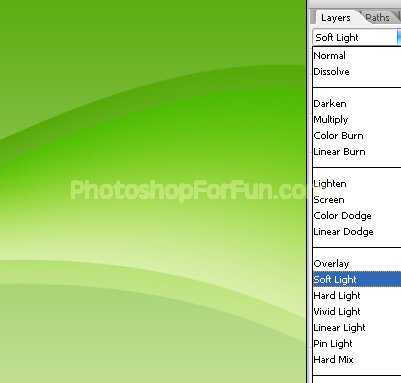
Similarly create more shapes randomly with different color modes.
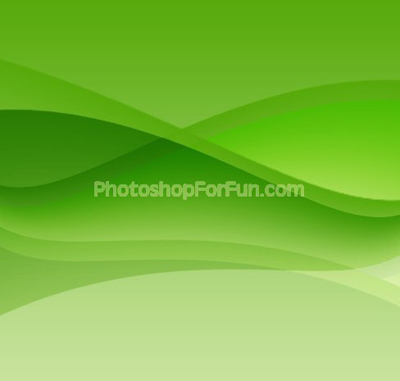
Select and merge all the layers except background layer. Duplicate the layer and move it to the top. Change the layer mode to "Soft Light".
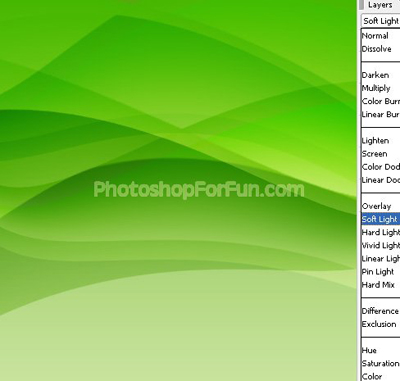
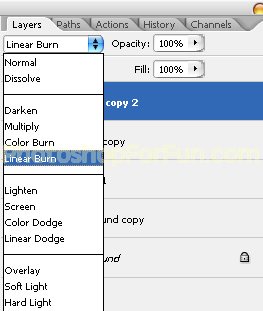
Duplicate the layer again. Press Ctrl+T. Right click and select rotate 90°. Change the layer mode to "Linear Burn".
Move this layer to left edge as shown.