Start by opening a new file, size doesn't matter
Using the Pen Tool draw a path, it can be in any way
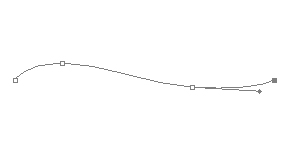
Now using the Horizontal Type Tool(T) click over the path
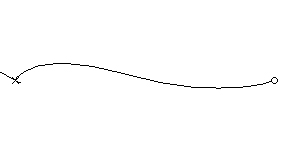
You should have something like this, you can hide the path by pressing Ctrl+H

You can also use this with the tools shown below
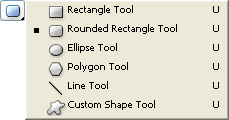
Using the Ellipse Tool(U), we draw a circle by pressing Shift while drawing it

Now using the Horizontal Type Tool, click over the path in circle

Write your text and you're done