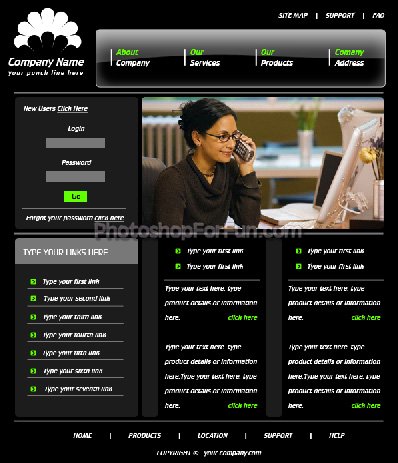
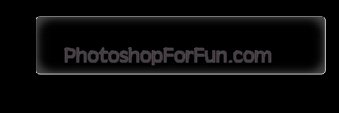
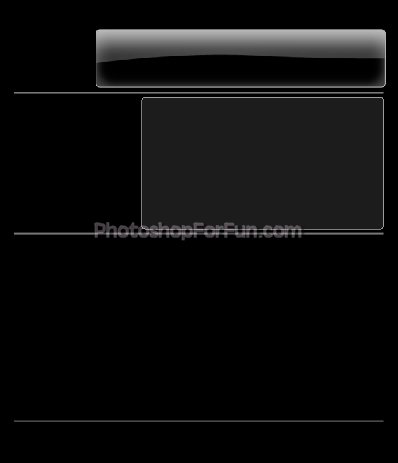
Start by creating a rounded rectangle using rounded rectangle shape tool.
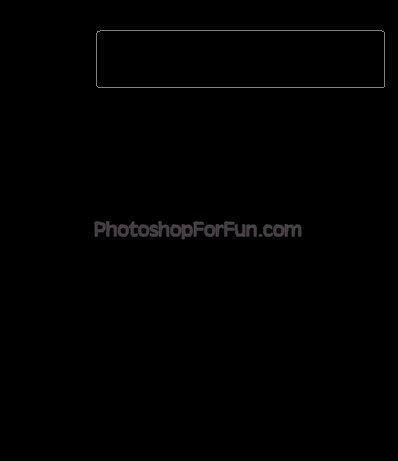
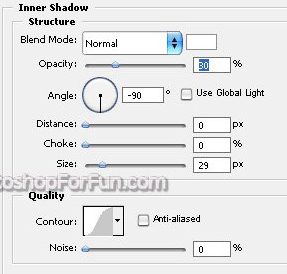
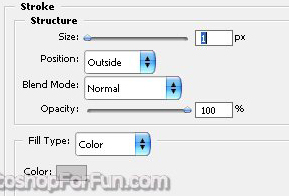
Double click the layer to open layer style window. Apply settings as shown.
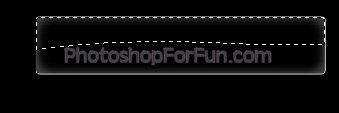
Create a selection as shown using polygon lasso tool.
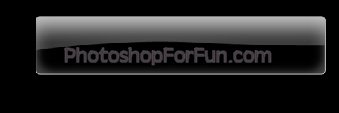
Create a new layer. Apply Black to white gradient.
Create some horizontal lines using line tool.
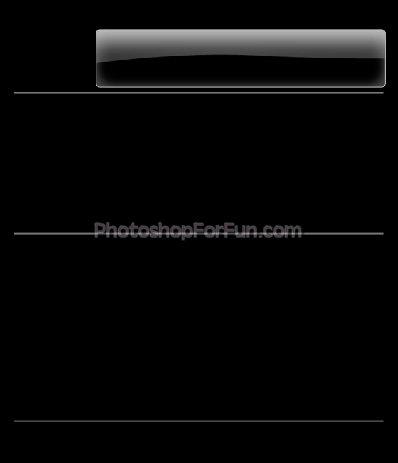
Create a rounded rectangle using rounded rectangle shape tool.
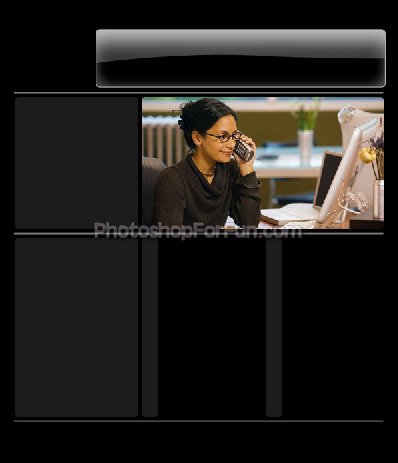
Insert any image and place it right over the rounded rectangle. Press Ctrl+Alt+G to create a clipping mask.

Create some more rounded rectangle using rounded rectangle shape tool.
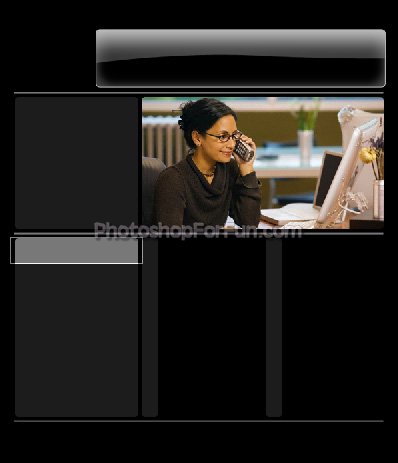
Create another rounded rectangle using rounded rectangle shape tool. Press Ctrl+Alt+G to create a clipping mask.
Insert tiny boxes to create some icons. Create some lines and rectangles and place them as shown in the image below.
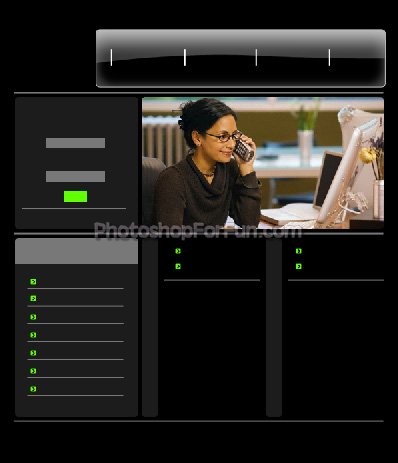
Populate the template by inserting company logo, links, products information etc.