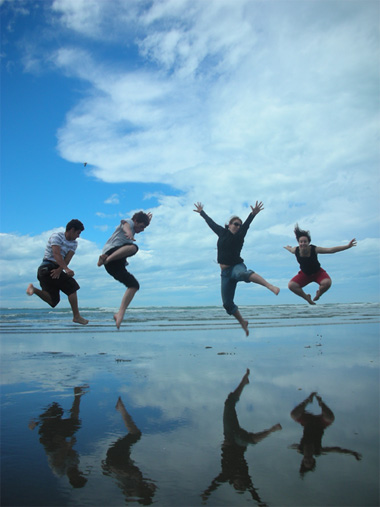
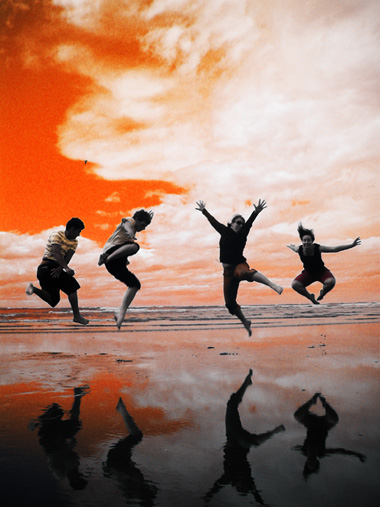
We'll start by working on the image below.
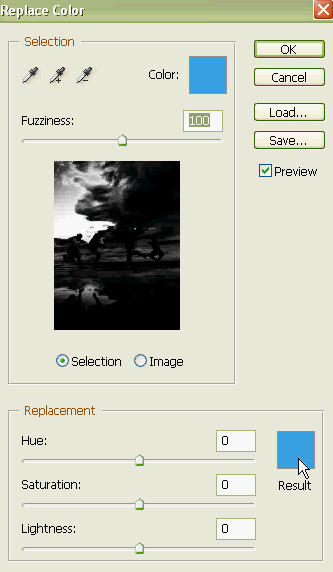
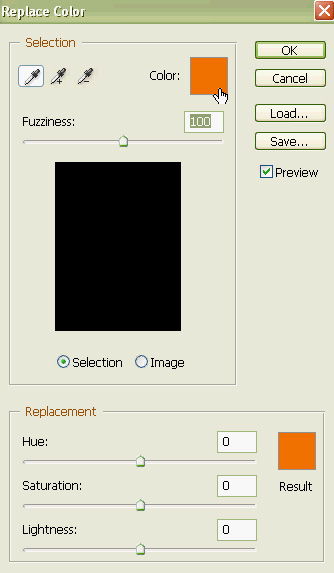
From image menu select "Adjustments>>Replace Color".
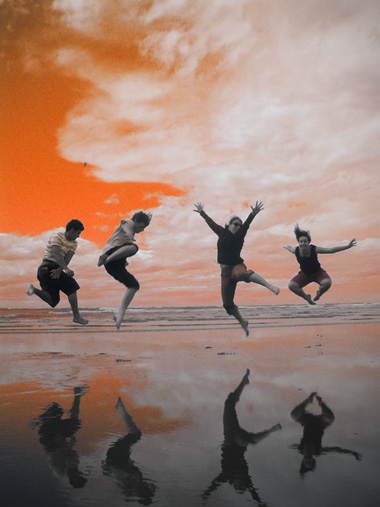
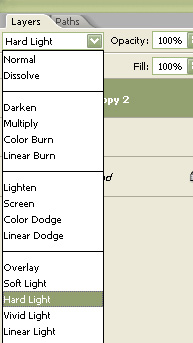
Duplicate the layer and change the layer mode to hard light.
Create a few rectangles of orange and white color using rectangular shape tool.
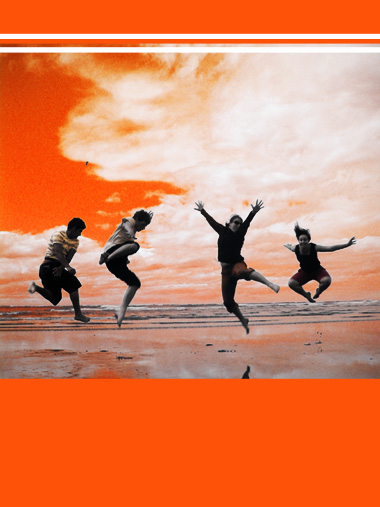
Populate the design with your text and product cutouts.