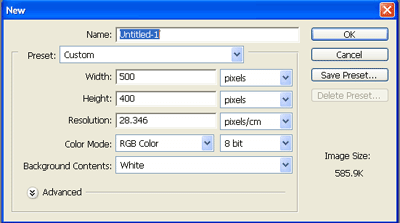
Step 1 : create a new file
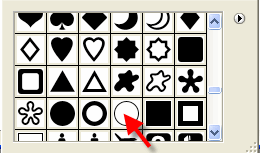
Step 2 : change the main color to red then draw a circle using the custom shape tool

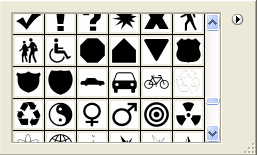
Step 3: Return to the custom shape tool and draw this shape inside the circle ( Use Black Color )

Step 4 : Use the rectangular marquee tool to draw a rectangle under the circle
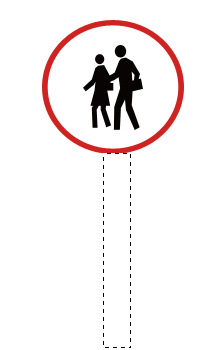
Step 5 : Fill the rectangle with black color using the paint bucket tool
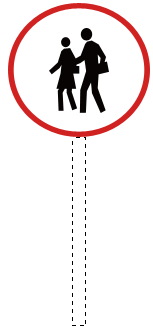

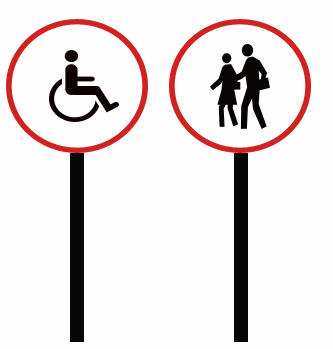
Step 6 : Final Result