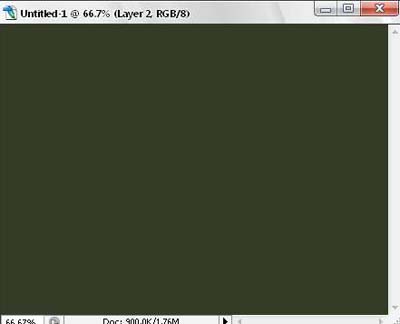
Step 1. Create a new document 640*480px, fill it with a color. Here I use the dark green color.
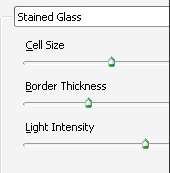
Step 2. Go to filter/texture/stained glass , apply the settings below
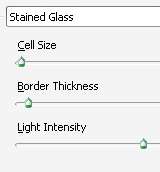
Step 3. Press D, again, go to filter/texture/stained glass. change to these settings :
We will get something like this
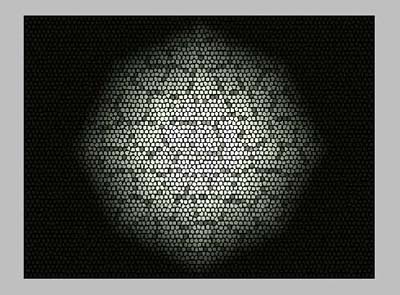
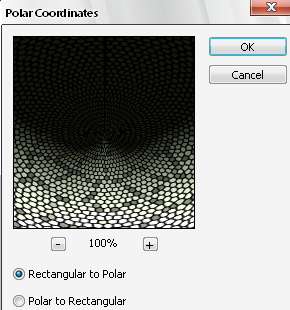
Step 4. Go to filter/distort/polar coordinates, check rectangular to polar, we I'll have this
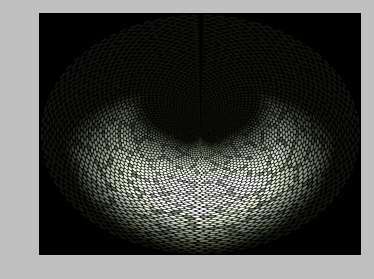
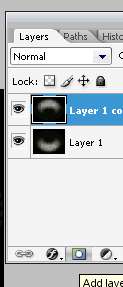
Step 5. Duplicate the layer, press Ctrl + T , flip vertical
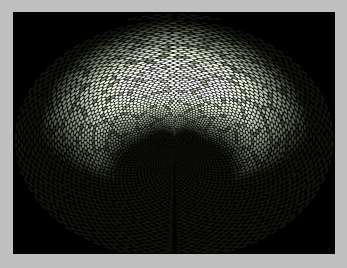
Step 6. Click to add layer mask, use Gradient to fill in the box , as below

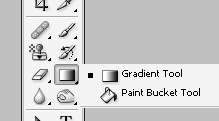
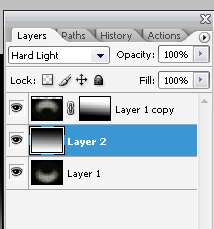
Step 7. Make a new layer between those 2 ones, use gradient fill this layer from the bottom to the top, (as the color change from white to black), change the mode to hard light
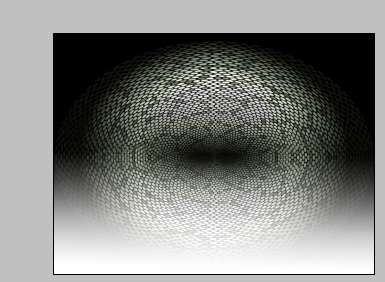
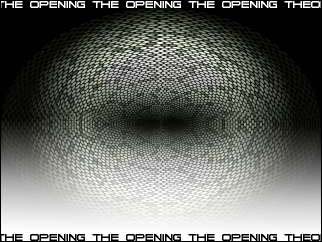
Step 8. Adding some text, we will have the final result.