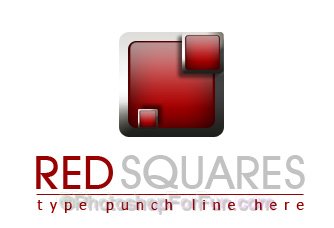
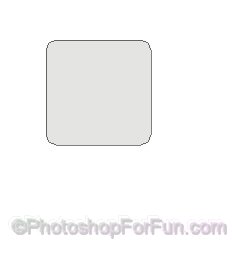
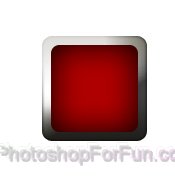
Create a rounded rectangle using rounded rectangle shape tool.
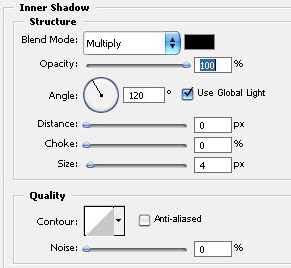
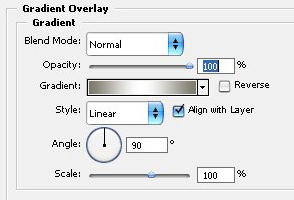
Double click the layer to open layer style window. Apply settings as shown.
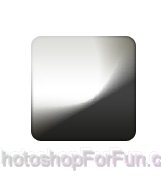
Create another rounded rectangle using rounded rectangle shape tool.
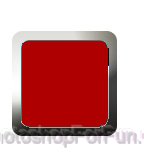
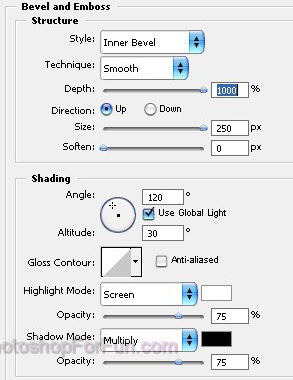
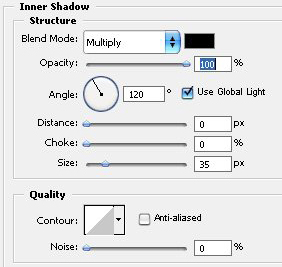
Double click the layer to open layer style window. Apply settings as shown.
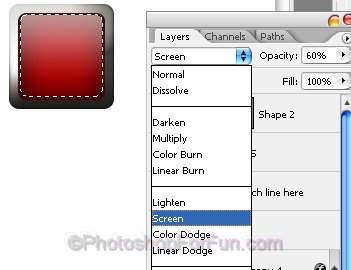
Ctrl+Click to get the selection. Contract the selection by 1 pixel. Create a new layer. Apply Black to white gradient.
Change layer mode to "screen" and opacity to 60% for this layer.
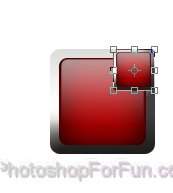
Duplicate all the layer. Press Ctrl+T and scale it down. Press Ctrl+E to merge. Place as shown.
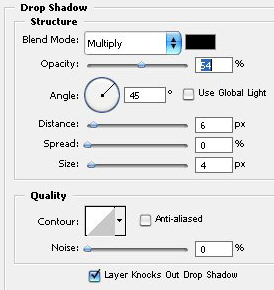
Double click the layer to open layer style window. Apply settings as shown.
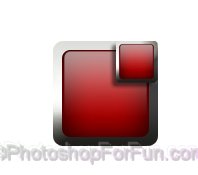
Similarly place another duplicate. Type Company name and punch line using nice fonts and colors.