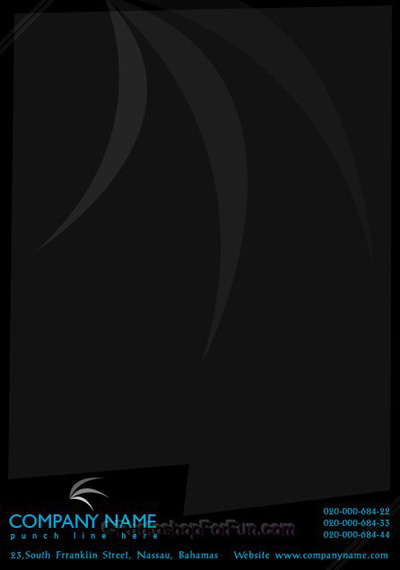
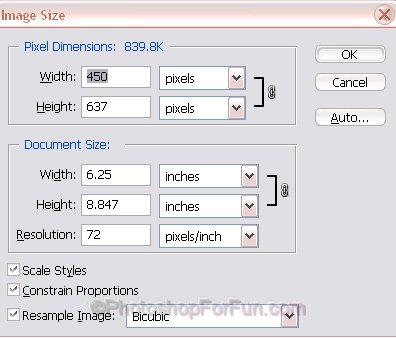
Start by creating a new document with the settings shown.
Fill the background with black color.

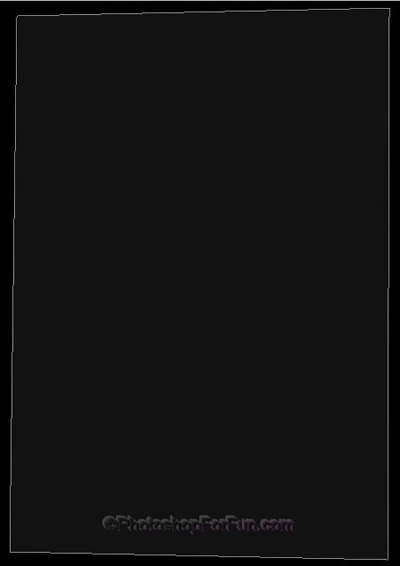
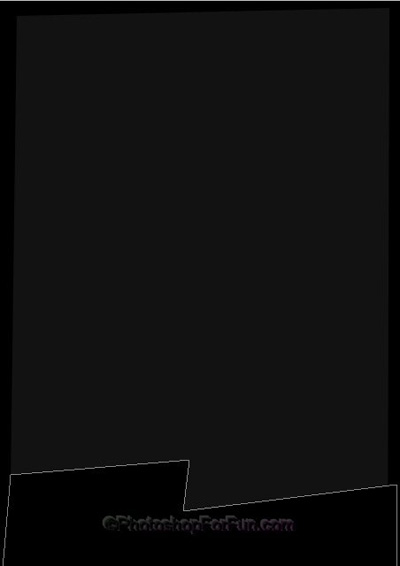
Select pen tool and create a distorted rectangle.
Similarly create another distorted rectangle shape. Place it on the bottom. Fill it with black color.
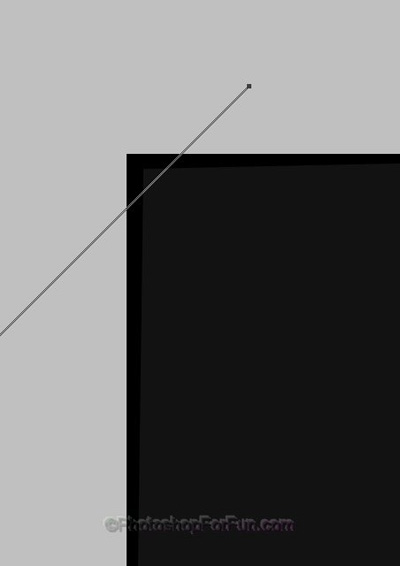
Create a diagonal line. Place as shown.
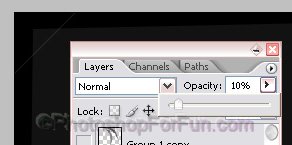
Reduce the opacity to 10%.
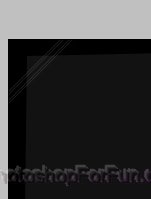
Duplicate the layer several times and place as shown.
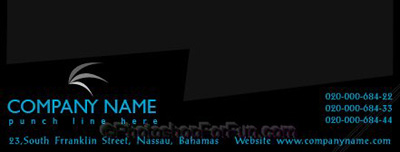
Insert company name & logo at the bottom.

Type other information as shown.
Insert logo file again. Scale it up to a big size.
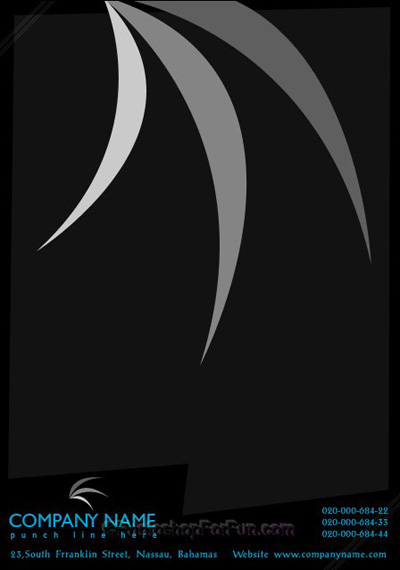
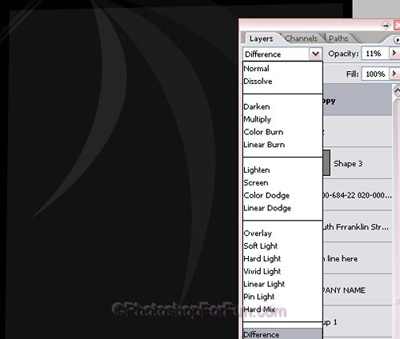
Change the layer mode to "Difference" and opacity to 11%.