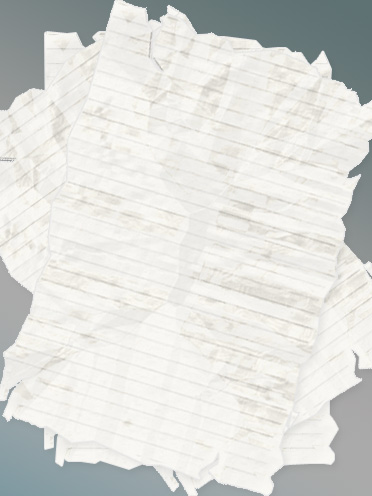
1. Creating the edges
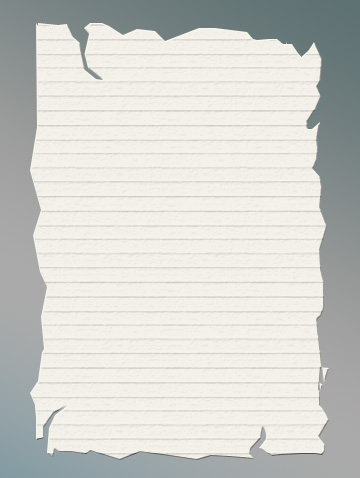
Start by applying a gradient to the background. Create a torn page style selection using polygon lasso tool.
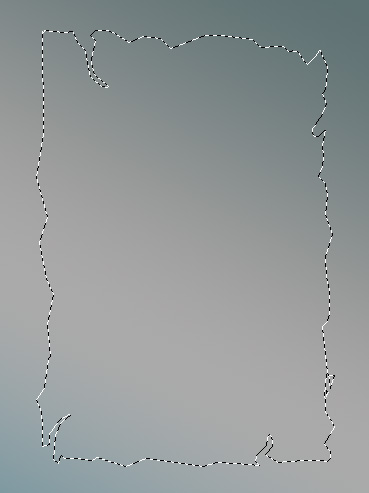
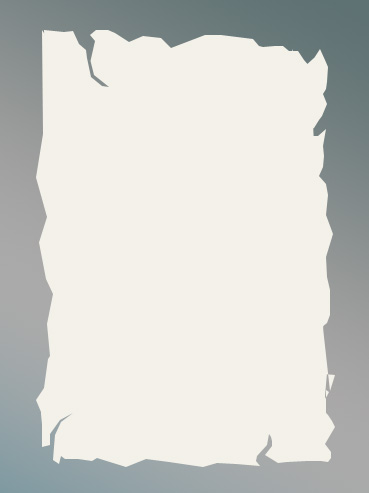
Create a new layer and fill the selection with an off white color.
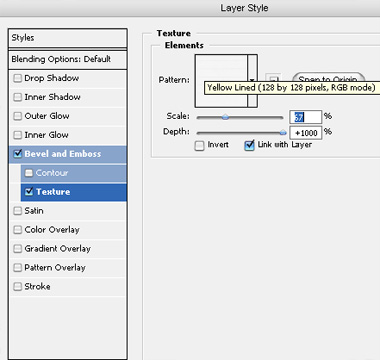
2. Creating lines pattern
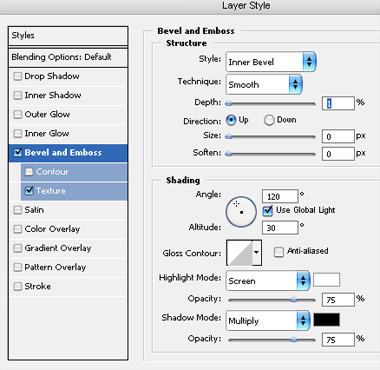
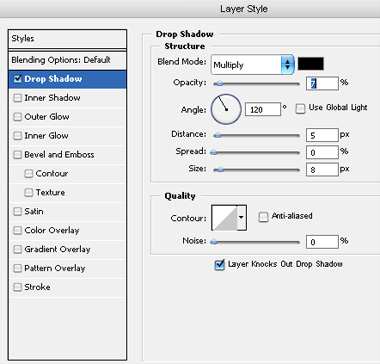
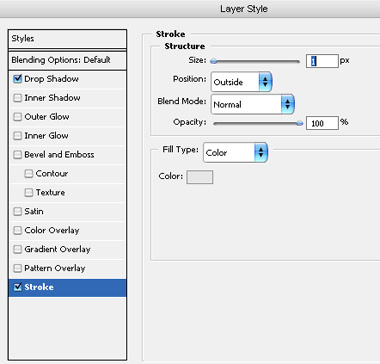
Double click the layer to open layer style window. Apply settings as shown.
3. Creating crumpled effect
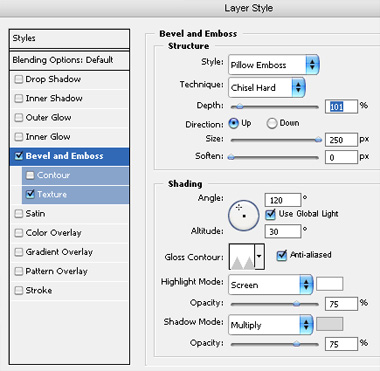
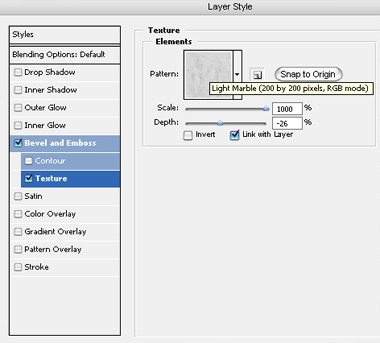
From layer menu select layer style>>create layers. Select and merge all the resulting layers. Double click the layer to open layer style window. Apply settings as shown.
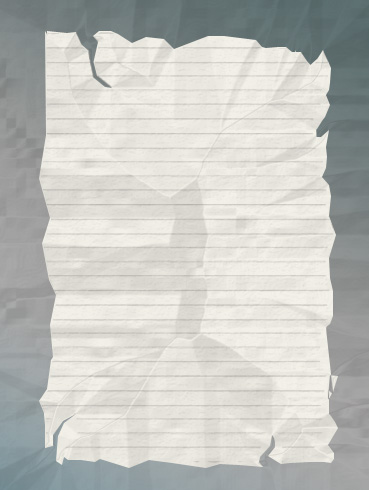
From layer menu select layer style>>create layers. Select and merge all the resulting layers.
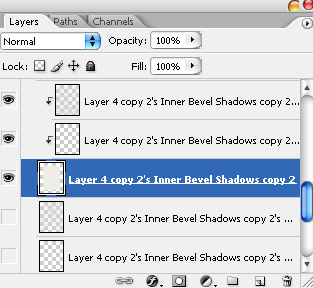
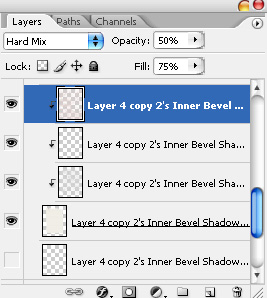
Move the second last layer one step above in layer order in layer palette. Select the top most layer. Change the layer mode to "hard mix", opacity to 50% and fill value to 75%.
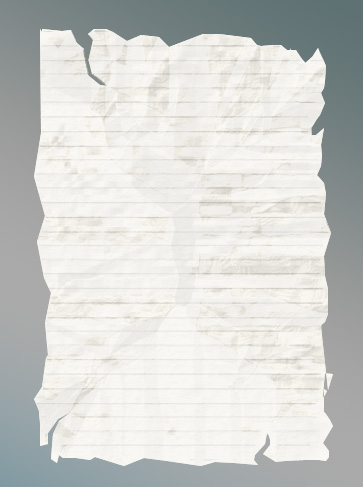
Select and merge all the layers. Double click the layer to open layer style window. Apply settings as shown.
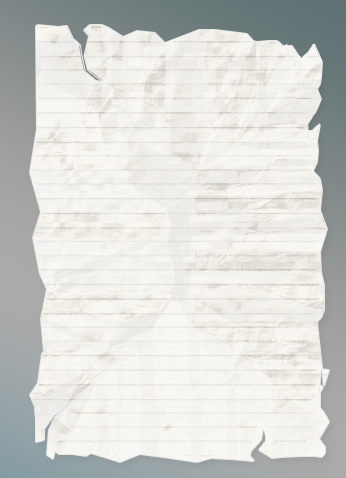
Create a few duplicates, rotate and place as shown.