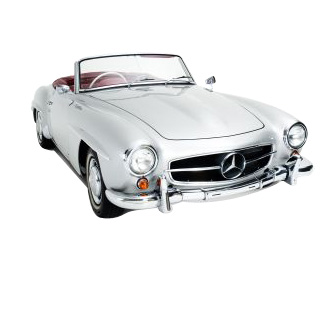
Start by inserting a cutout of a car in a new file.
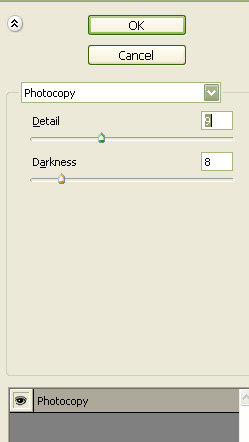
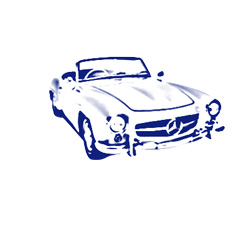
Select white as background and blue as foreground color. From filter menu select "Sketch>>Photocopy".
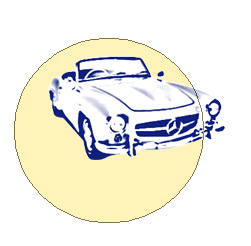
Create a circle using elliptical shape tool.
Create "thin frame" shape using custom shape tool.

Enable "subtract from shape area" at the top bar. Using pen tool create a shape as shown.
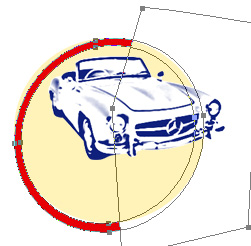
Duplicate the frame. Select the rectangular path. Enable Intersect shape areas from the top bar. Fill it with blue color.
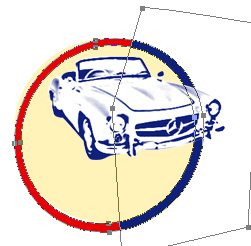
Type the company name with a nice font.

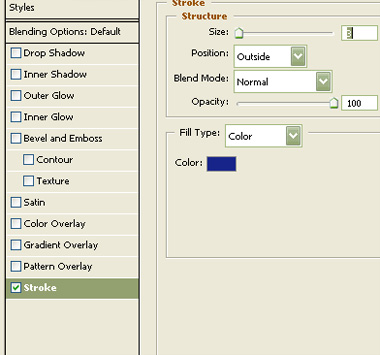
Double click the layer to open layer style window. Apply settings as shown.
Fill it with white color.

Similarly type rest of the name and apply stroke layer style with different color.