Make a New RGB mode Image. White background (original image: 400 x 200) Use black to fill the background.
Make a New Layer: Layer > New > Layer.
Write on this Text Mask Type. Broadway font.

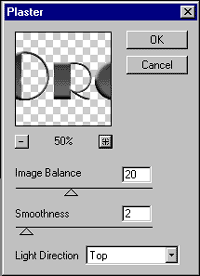
Plaster Filter
Fill with Grey color and deselect (press ctrl + d).

Apply the plaster filter: Filter > Sketch > Plaster
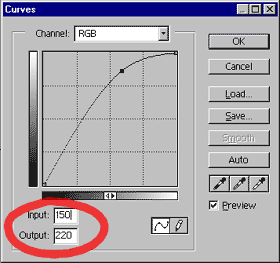
Curves
Adjust curves: Image > Adjust > Curves
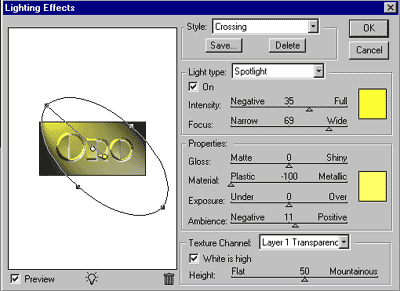
Apply Light effects.
Layer Styles
Finally: Layer > Layer Style > Blending options
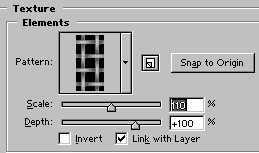
Modify Bevel and Emboss (and texture too) with default data. Texture:

And voila, the final result.