Step 1. Create the new image in Photoshop 500Ñ…500px
Background black
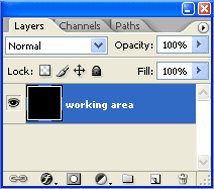
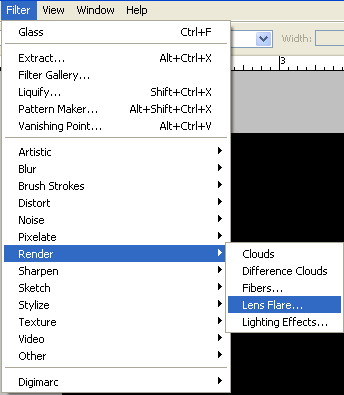
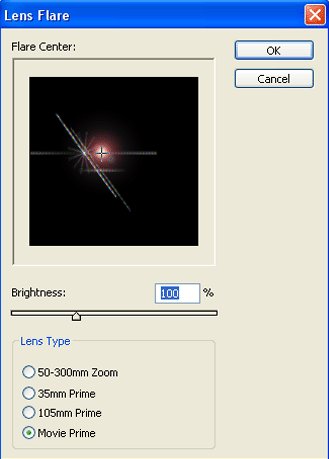
Step 2. Apply to a layer filter Lens Flare (Filter> Render> Lens Flare)
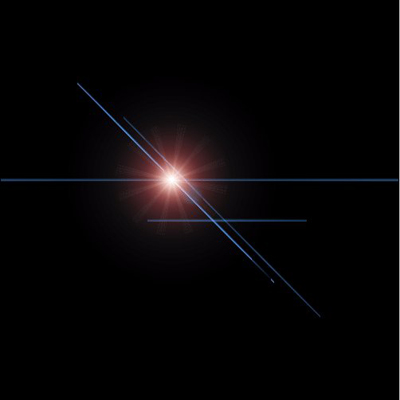
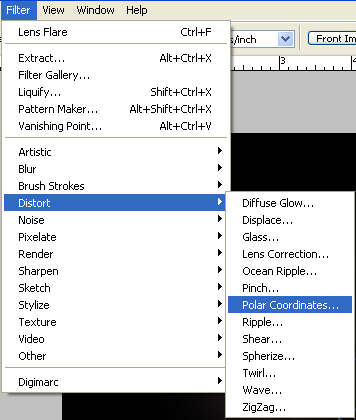
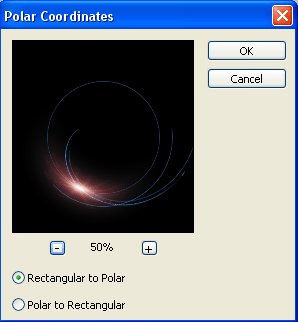
Step 3. Apply to a layer filter Polar Coordinates (Filter> Distort> Polar Coordinates)
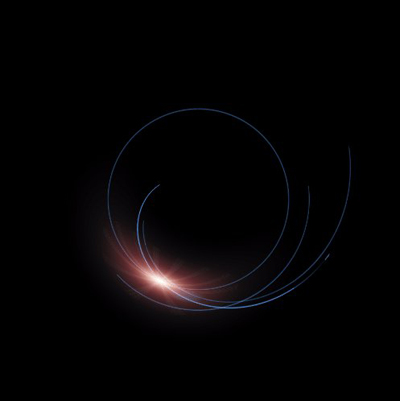
Step 4. Invert Image (Ctrl + I) or (Image > Adjustments > Invert)
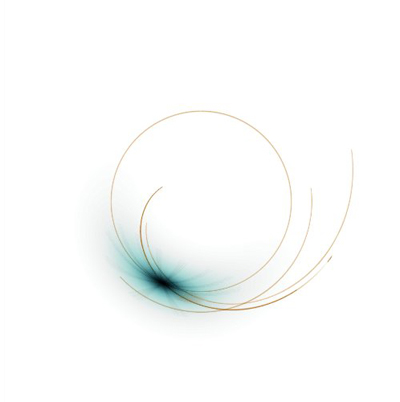
Design your shape