


For those of you who don't know how to even start to make an animation, this is for you
Step 1: Make a background I made this for my tut
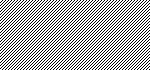
Step 2: Now make a new layer ( Ctrl+Shift+N )
Step 3: Now switch brush color to a visible color and switch brush size to 9px and just click on your image and move it to where you want it to be. It should look something like this.
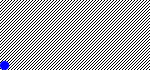
Step 4: Now switch to ImageReady and duplicate the current frame once.
Step 5: Now move the ball a little bit using the move tool. This is how it looks after I move it.
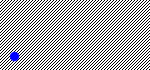
Step 6: Now duplicate layer and move it some more. Than keep on duplicating layer and moving it, until your satisfied.
Here is my result:
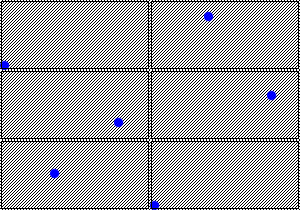
(wait for the ball to start moving)

