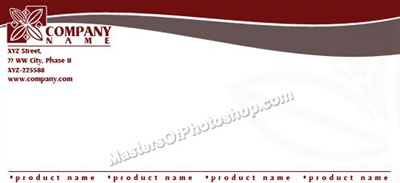
Create a rectangle using rectangular shape tool.
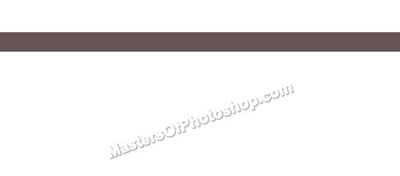
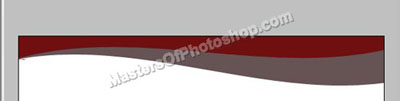
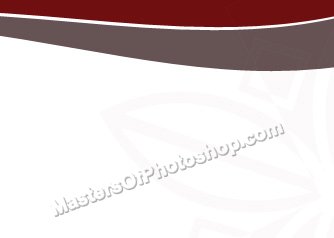
Press Ctrl+T. Right Click and select Warp. Select "Flag" style from the preset warp shapes. Apply settings as shown.

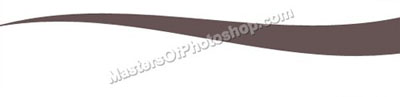
Create a shape as shown using pen tool.
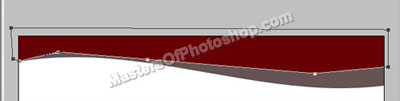
Move this layer below all the layers in layer order in layer palette.
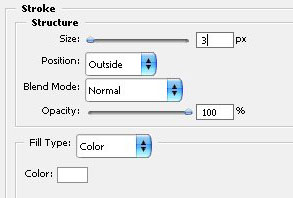
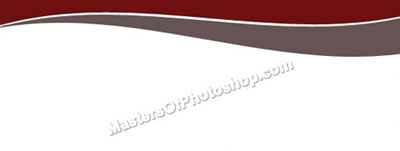
Double click the layer to open layer style window. Apply settings as shown.
Create "Ornament 8" shape using custom shape tool.
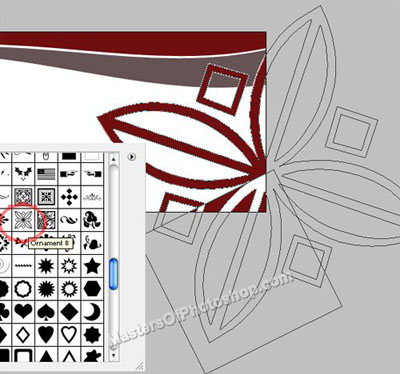
Reduce the opacity to 5%. Move this layer below all the layers in layer order in layer palette.
Insert company logo, address and other details as shown.