Start by applying a nice color to the background. Create a rectangle using rectangular shape tool.
Create a white rectangle.
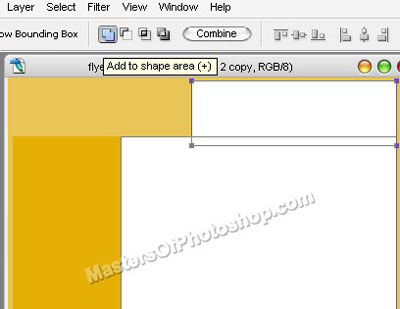
Enable add to shape area from the top bar. Create a rectangle using rectangular shape tool.
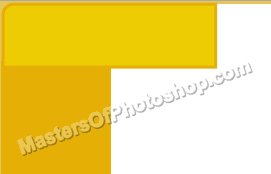
Create a rounded rectangle using rounded rectangle shape tool.
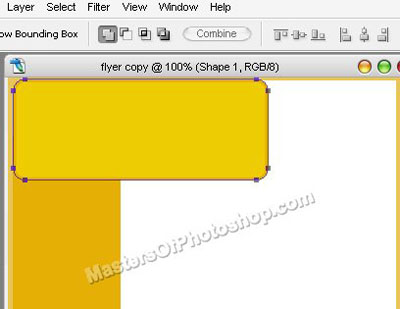
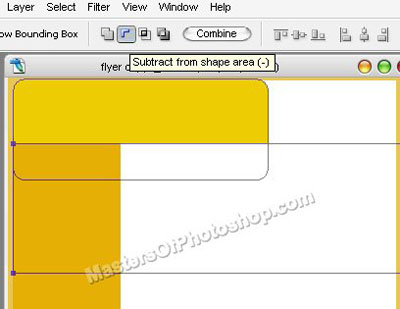
Enable "subtract from shape area" at the top bar. Create a rectangle using rectangular shape tool.
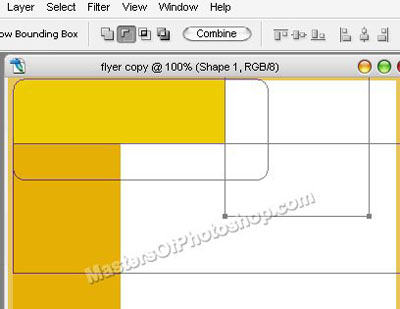
Create another rectangle using rectangular shape tool.
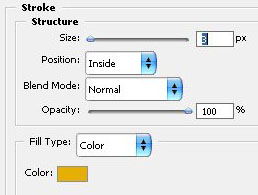
Double click the layer to open layer style window. Apply settings as shown.
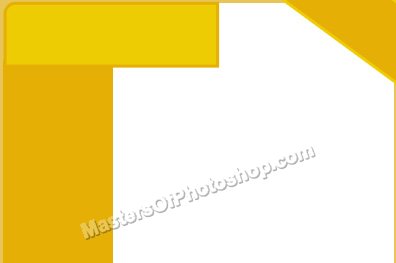
Create a triangular shape using pen tool.
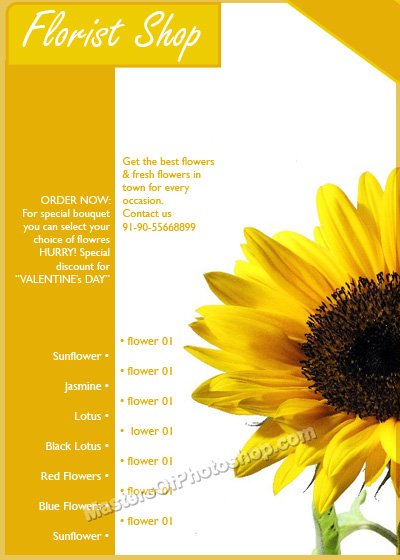
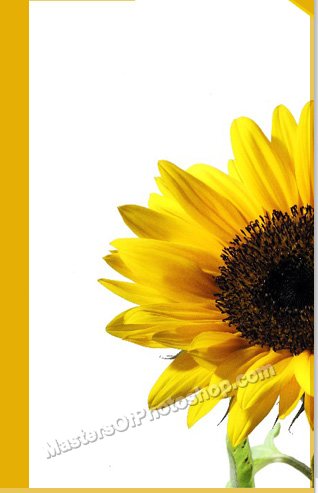
Insert an cutout of a sunflower.
Type florist name and other details using different fonts and sizes.