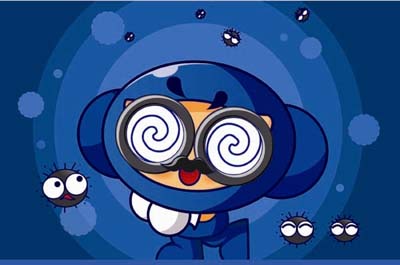
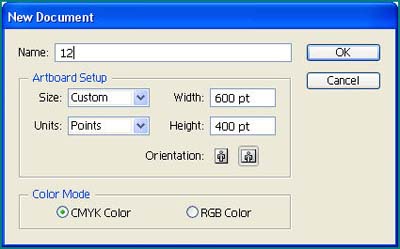
1. Create a new document, size 600 x 400 pt
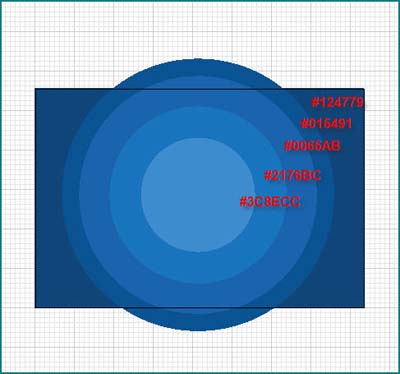
2. Create 5 shapes, color it like this
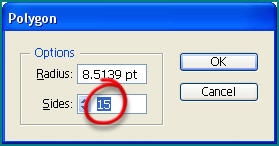
3. Create a new polygon with Sides: 15, random size
4. Effect >> Distort & Transform >> Pucket & Bloat
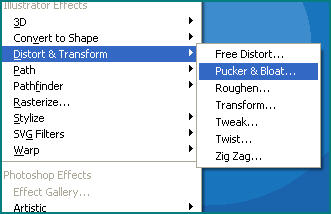
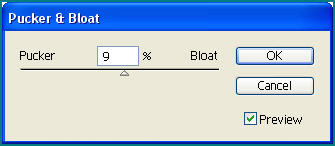
5. Copy and arrange this shape to background
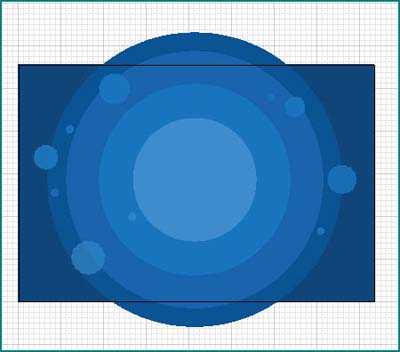
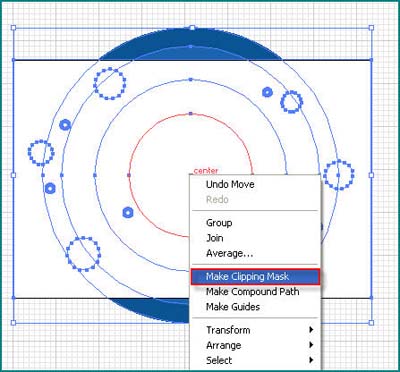
6. Make a new rectangular shape fit to page. Then Right-Click, and select Make Clipping Mask

7. Lock all obj. Create new Elliptical shape, rotate it 7 > 10 degree, stroke 3 pt, fill dark blue color.
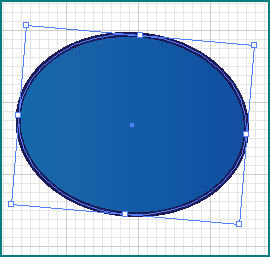
8. Fill this Gradient for shape
9. Object >> Path >> Outline Stroke, then Ungroup, and you have two obj, one is stroke only , one is fill only
10. Hide stroke only obj, Use Pen Tool to create new path cross the elliptical, open Pathfinder prattle, select Divide, then Ungroup
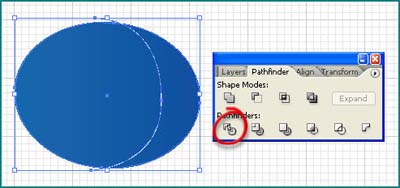
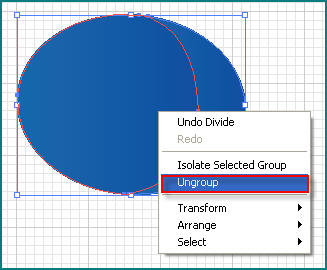
and you have two shapes
11. Fill right obj with #273E82 color, unhide stroke only obj
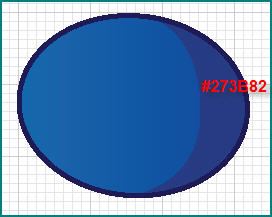
12. Do the same step, you have
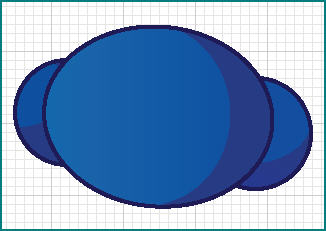
13. Make two Circle obj, and make these shadows same the last step
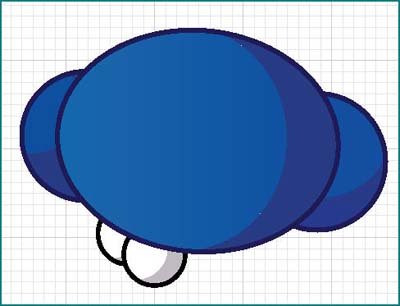
14. Use Pen Tool make the " • sleeve " ^^! and arm
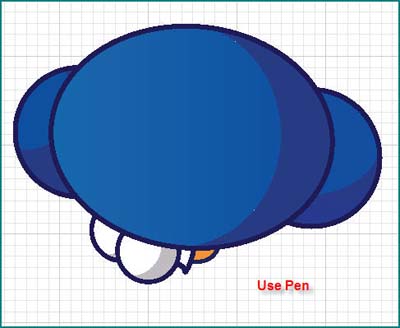
15. Create new shape by Pen, draw a path and Divide to create shadows
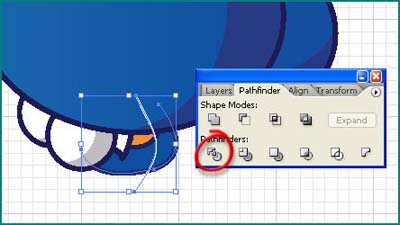
16. Do it again.
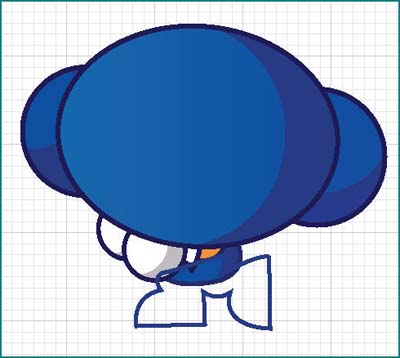
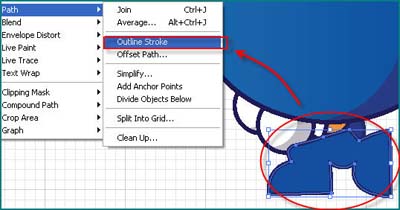
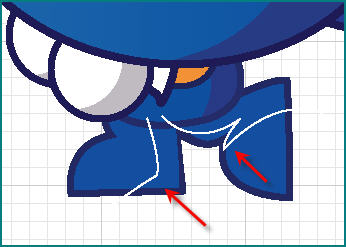
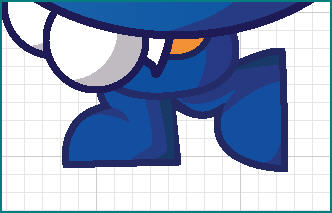
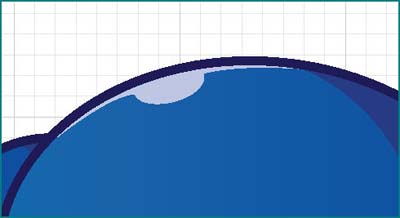
17. Use Pen draw a shape to make highlight point in head
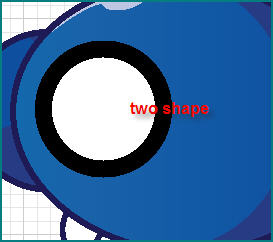
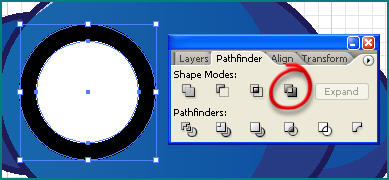
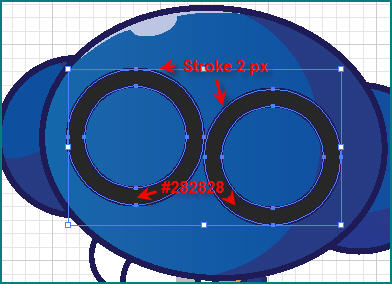
18. Draw two shape like this and select Include in Pathfinder Palette, make stroke with 2 px and copy it to create two glasses
19. Draw new circle obj, then draw a line cross the center of circle
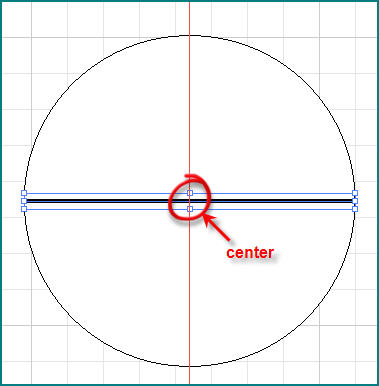
20. Use Add Anchor Point Tool , Create new anchor in middle of the line, same the center f the circle.
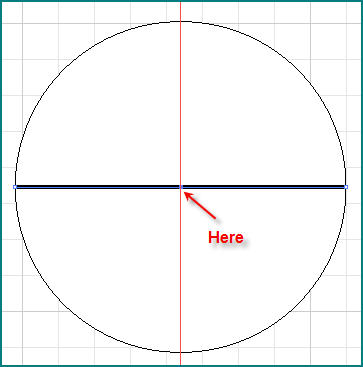
21. Use
 ( Convert
Anchor Point Tool ). Click to new anchor and drag
( Convert
Anchor Point Tool ). Click to new anchor and drag
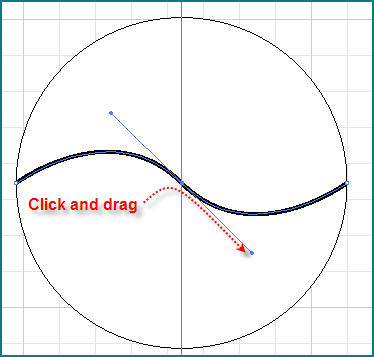
22. Effect >> Distort & Transforms >> Twist, with angel = 500 degree
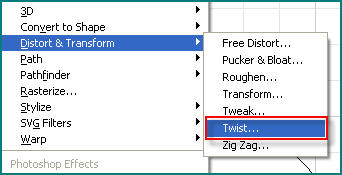
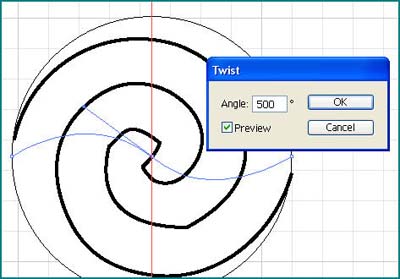
23. Stroke this line by 3 pt, Copy and Rotate
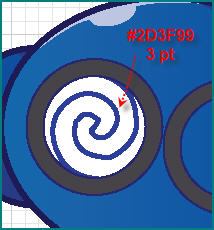
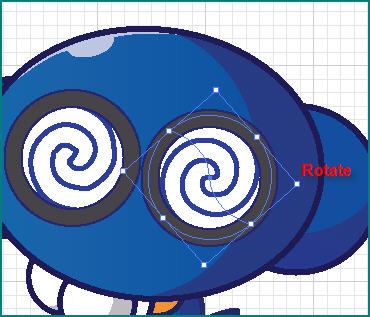
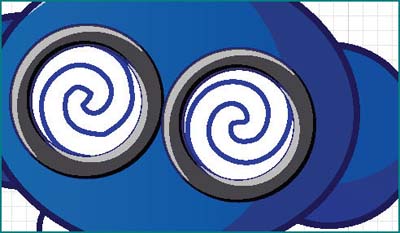
24. Create a Shadows and Highlight in glasses
25. Draw new 3 shapes like this, Hit Add To Shape button in palette
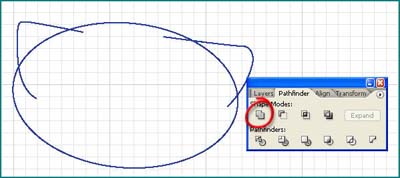
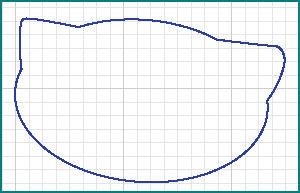
26. Fill color, use Pen and Divide to make shadows and highlights. It a face
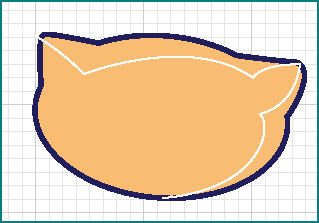
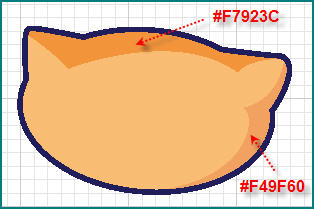
27. Move it to body, Hit Ctrl + [ or Ctrl + ] to obj positions
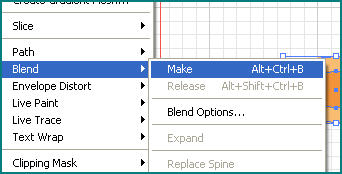
28. Create 2 obj like this, select all and Object >> Blend >> Make
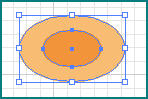
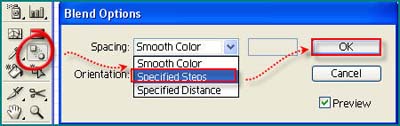
29. Double-Click in Blend Icon in Tool palette
30. Move to face, it cheek !!!
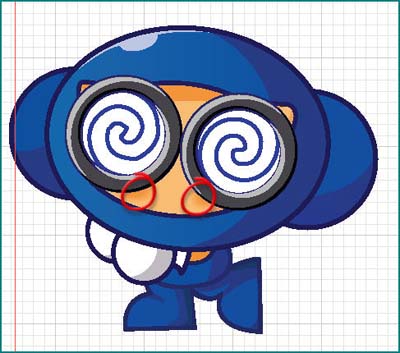
31. Use Pen to draw a beard, create shadow, highlight
32. Draw elliptical obj, fill color like this
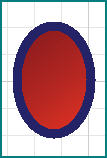
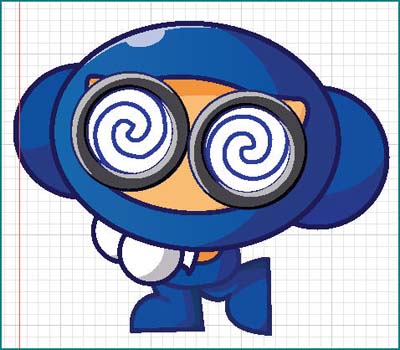
33. Put it to the background, draw simple shape to create eyebrows, draw a few virus here, and you have :)
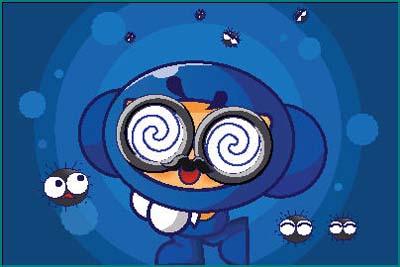
34. Draw a rectangular obj fit the page, and select all, then Clipping Mask them, this is the last Result ..!!! ( exported to JPG )