

In this tutorial we are going to show how you can make a page curl effect with simple steps using warp technique in photoshop.

Step 1: Get both images on layer 1 and layer 2 like image below
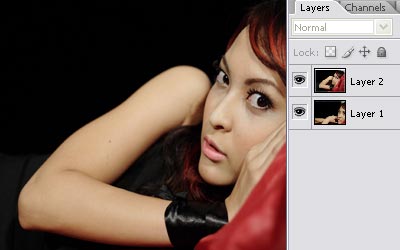
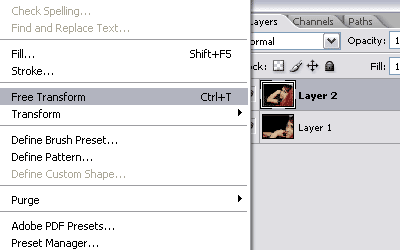
Step 2: Select layer 2 and go to edit>free transform or by pressing ctrl+t
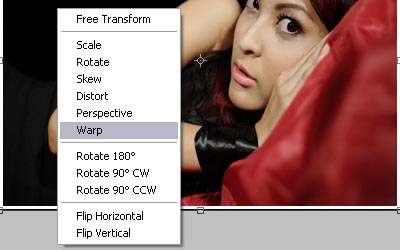
Step 3: Right click on your image, and choose warp.
Step 4: Now, warp your image anyway you need. I did mine like this:
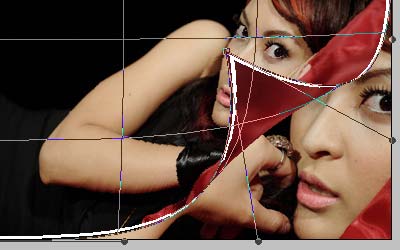
Step 5: Right click, choose free transform, then double click to go deactivate free transform.
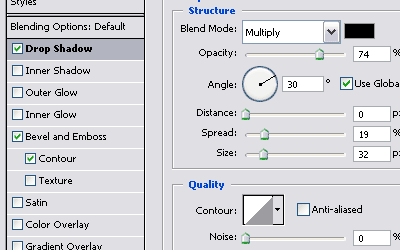
Step 6: Now double click on your layer to bring your 'layer style' options. Apply and experiment with drop shadow, and bevel & emboss for desired look. Here's mine:
That's it!
