Step 1.
Open your picture
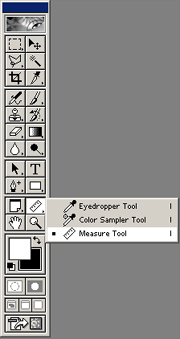
Choose measure tool from Photoshop tool palette.
Step 2.
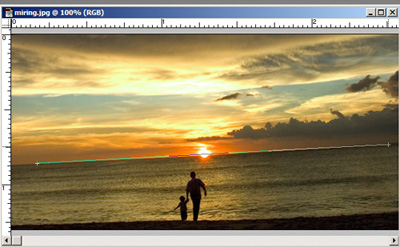
Pick your start and end points, make a straight line through your crooked horizon.
Step 3.
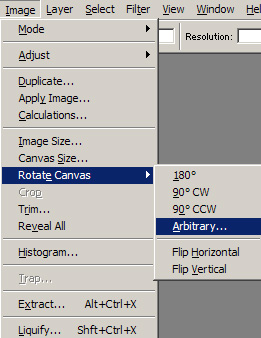
Choose image -> rotate canvas -> abritary
Step 4.
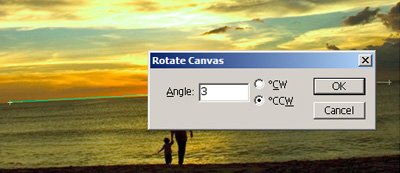
Just Click OK
Step 5.
Crop your image
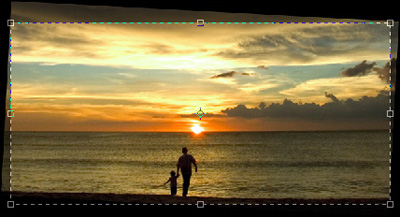
Step 6.
You're Done!