

Step 1. Open photo of cow.
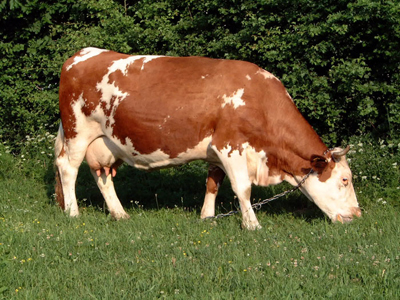
Step 2. We have to select the brown color on cow and transform that color. So, go to SELECT - COLOR RANGE pick brown color on cow, click + sign
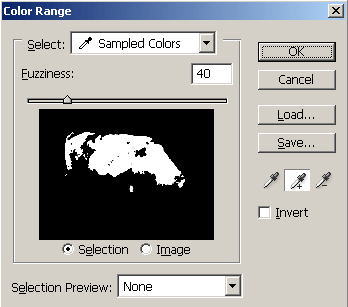
and start adding some similar color.
Watch what is selected and whit fuzziness slider make fine adjustments. When done click OK. Now you have selection.
Step 3. Go to the Create new adjustment layer, select Color Fill and pick this color #46196f. You'll get this color instead of brown.
Step 4. Change Blending mode for this layer to be Color.
Step 5. Because we can never have a 100% correct selection there are some places where we have to manually correct color replacement. So pick Brush tool, select some small brush, white color, and start correcting.
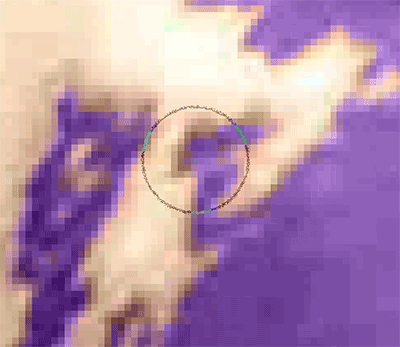
Hopefully, if you done Color Range OK you'll have to do little adjustments.
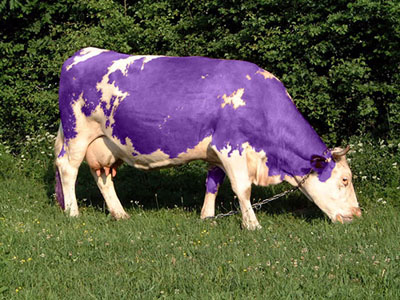
See you!
