The pen tool in Photoshop is so useful and interesting if u know how to use it like a vector
Step 1 :how to use the pentool
Star a new canvas , size 5 or 9 . You select the pen tool

setting the line

not the shape
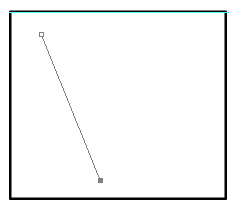
Click some where on your canvas ,A dot appears where you clicked. (1)

Now click on another spot on the canvas , another dot appears now click in the middle of the line
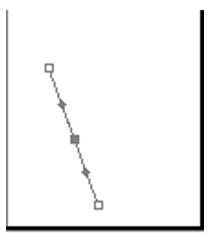
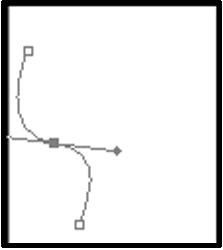
Hold Ctrl and click on the middle dot . Now drag so the line is curved
Go back to the pen tool . you click right mouse and a select stroke path
The line path is appear ( the color and size of stroke path depend on brush )

You can change another kind of line
Click right mouse and choose stroke path
But this time, click the box for simulate pressure. Click ok, right click, the delete path

Step 2 : drawing path
If you have a picture .you open it
Make a new layer above your sketch , name it "line" zoom to 200 to 500 %.Get the pen tool again , go over your lines using the techniques shown above.
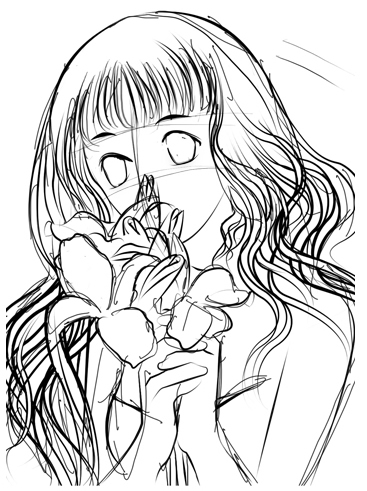
You make the opacity low (50%)
Once you finish one line segment, press ctrl and click anywhere on the canvas , the start on your next line
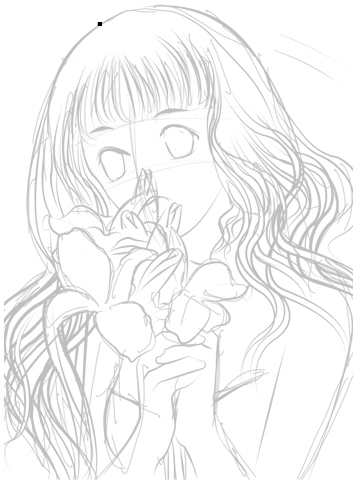
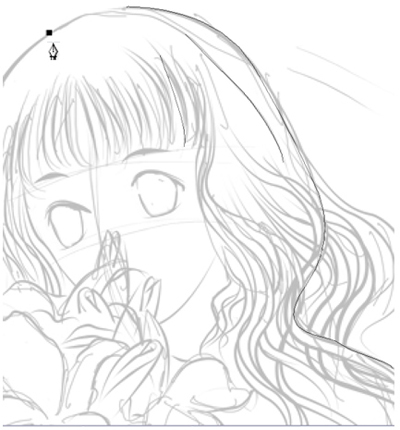
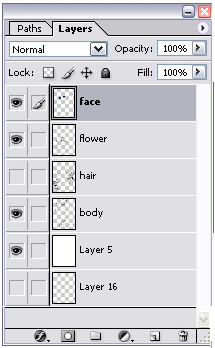
You can draw face on another layer , hair on another layer .

When you finish the line picture , you have 4 layer : hair , face, body, flower