

Step 1
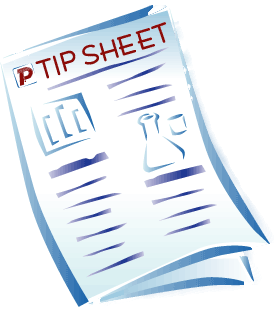
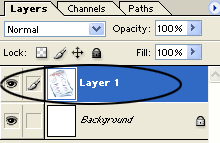
Open any sheet of paper in Photoshop.
Step 2
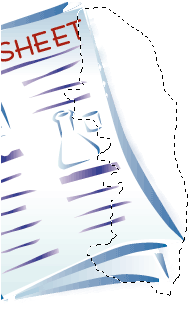
Take the Lasso Tool (L) and select the part of paper which you want to rip. See the picture below.
Step 3
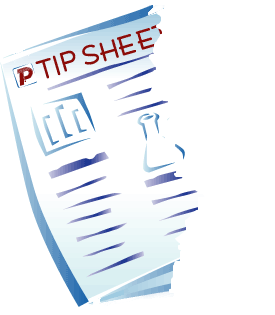
Then, press D key on the keyboard to delete, and after that press Ctrl+D key to deselect.
Step 4
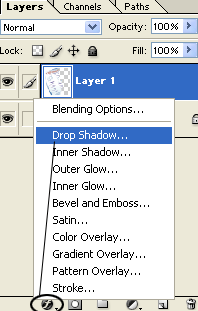
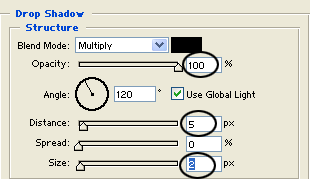
Click on Add a layer style icon, and choose Drop Shadow. Then, set the options from the picture below.
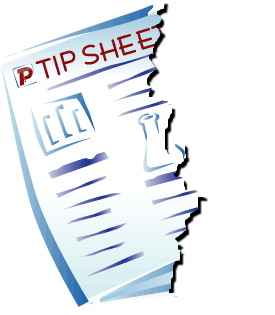
Finally, our work looks like this:
Bye!
