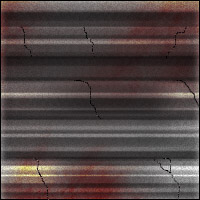
Step 1. Make a new document 100x100 fill it with a light grey (i used 6A6A6A)
Now take the burn tool with the following settings:

and start making straight lines while pressing Shift until you get something like this :
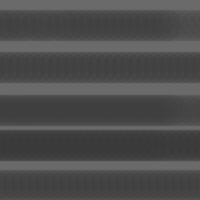
Step 2. Now take the dodge tool with the following settings:

and start making lines on the parts that have not been brushed see below :
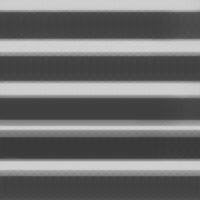
Step 3. Again take the burn tool and burn where you just dodged in step 2.
This is what I got :
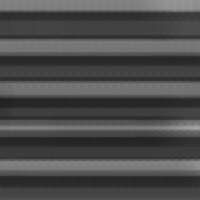
Step 4. Now use different sizes burn and dodge where you want till you like the result.
This is what I got :
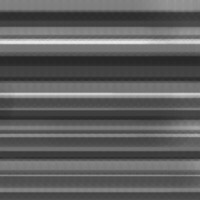
Step 5. Apply the following layer blends:
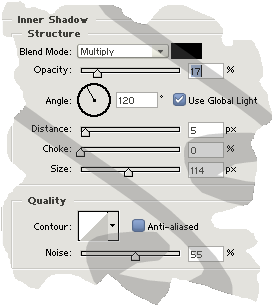
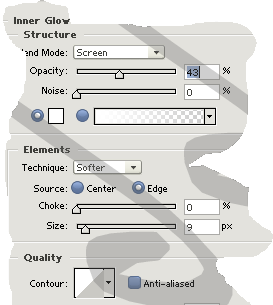
This is what you should have:
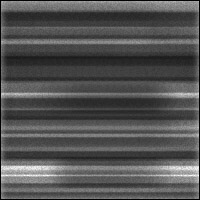
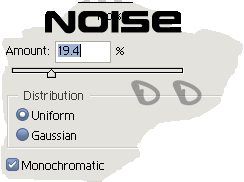
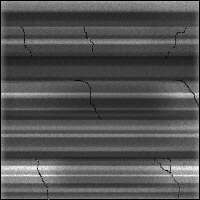
Step 6.(facultative step) Adding cracks. Make a new layer take the brush with a 1 pixel size round brush and make derormed lines as cracks and go to Filter>Noise>Add noise... with this settings:
This is what I got :
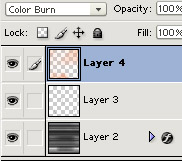
Step 7. Adding rust. Make a new layer take a grunge brush you can use one from the Natural brush set found in photoshop thought I use a grunge brush and start spraying then change the layers blend to Color burn:
This is my final result: