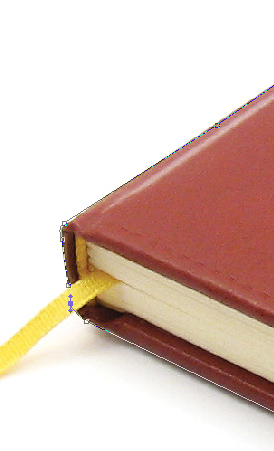
Step 1. Grab a picture of a book. I usually get pictures from Sxc.hu . Take the Pen tool and start selecting the book like in the picture below:
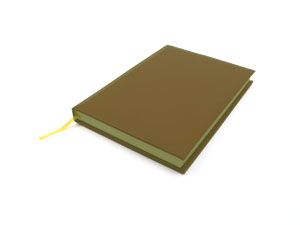
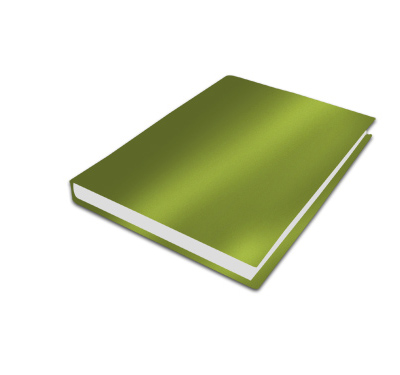
Step 2. After selecting the book right click it and chose Create selection. On a new layer fill the selection with any color. I choosed green. In the picture below I have reduced the opacity for a better preview:
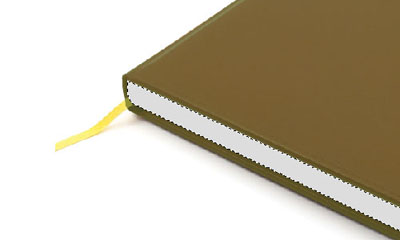
Step 3. Using the pen tool again make a shape that will represent the files of the book and fill the selection on a new layer white.
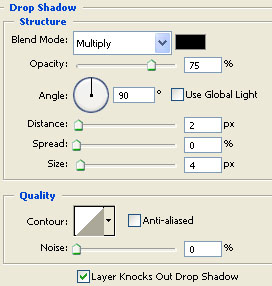
Step 4. Return to the green book cover shape and add a Drop shadow
Grab the dodge and burn tool and add some shades and lights:
 This post was written by owner of