


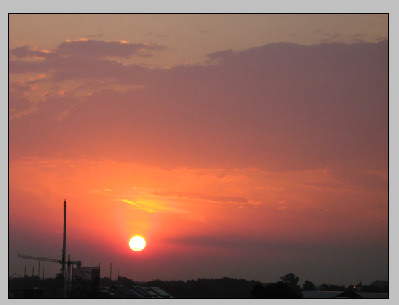
1. The photo must be in high resolution : 2272 X 1704 pixels
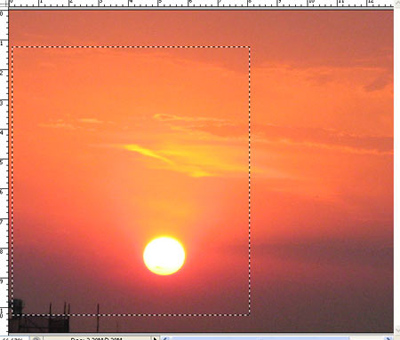
2. Select the area with the rectangular marquee tool and go in Image and Crop it.
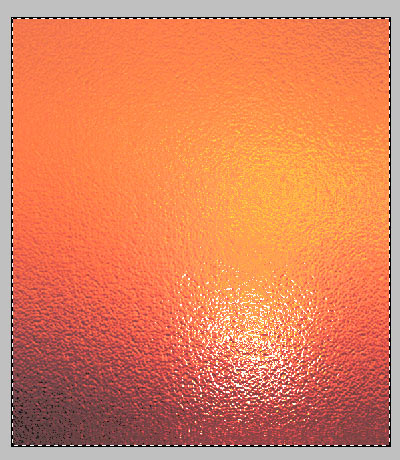
3. Apply Filter - Distort - Glass (distortion 19%, Smoothness 2, Scaling 115%)
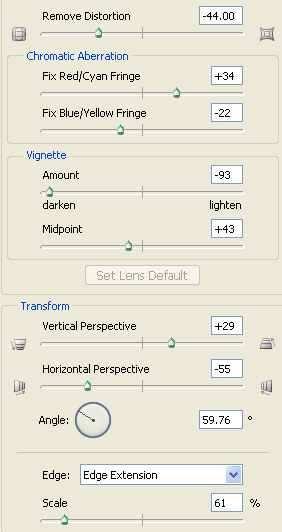
4. Apply Filter - Distort - Lens correction
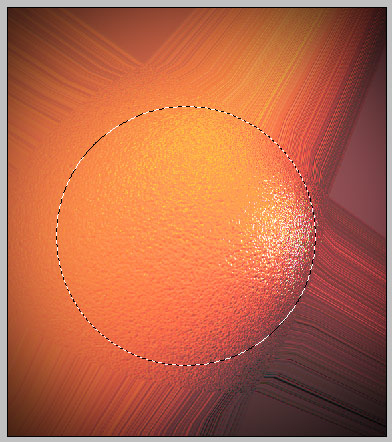
5. Grab the elliptical marquee tool, hold the shift button to make a perfect round.
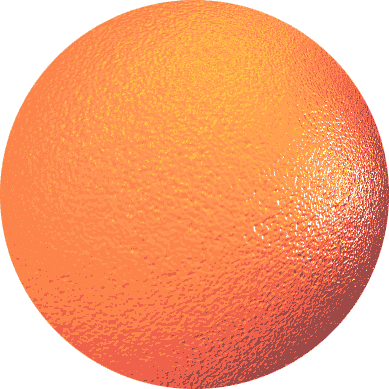
And then copy the selected area and paste it into a new white document.
That's it.
