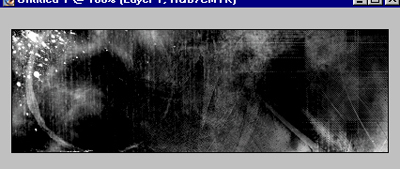
1. Open your canvas and add brushing however you want it.
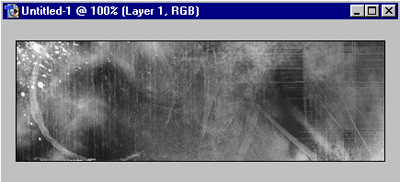
2. After you have the brushing completed and your happy with what you got. Go to Brightness/Contrast.
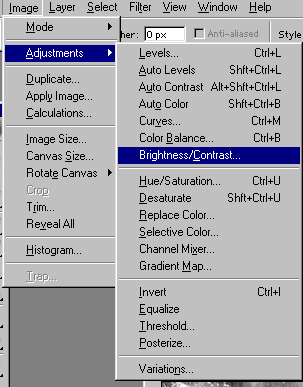
3. Than do the following:
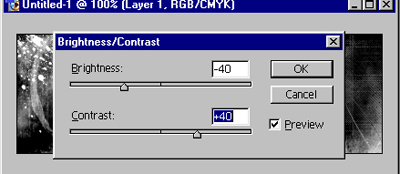
4. Now you should have something with a bit more depth.
This is what I got: