Step 1
Open the photograph you would like to convert

Step 2
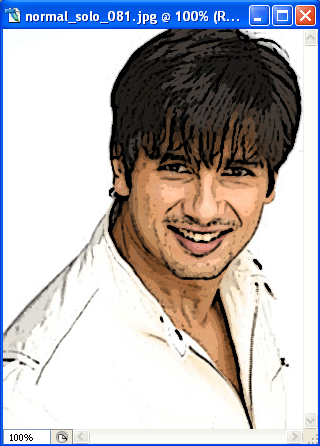
Click on Filter ---> Artistic ----> Poster Edges and you should have this
Step 3
Click on
Filter ---> Artistic ----> Cut Out
and you should have your final picture something like this