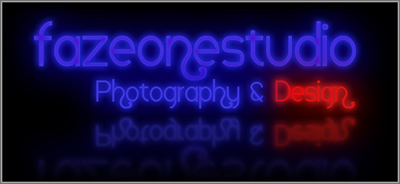
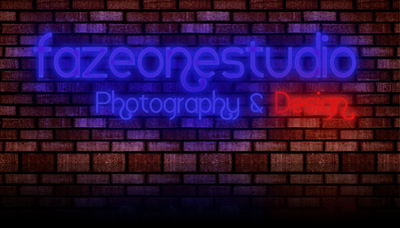
1. Background
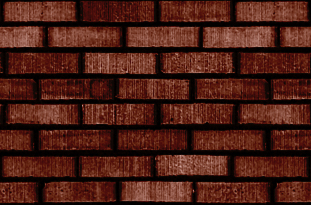
1.a Creating a pattern
Open the Image as a new document. Go to Select>All. Go to Edit>Define Pattern...>Then name the pattern
1.b Filling your new canvas
Go to Edit>Fill>Use Pattern>Then select your pattern
2.Text
Select a curvy Font.
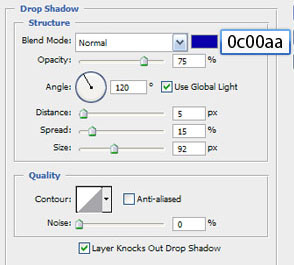
3.Adding Style
Now set your layers panel to these settings:
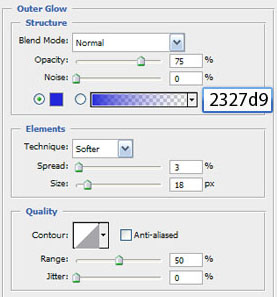
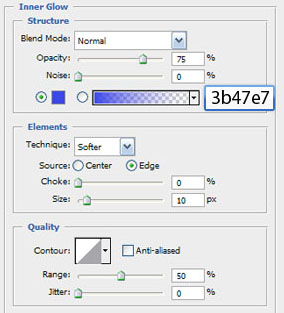
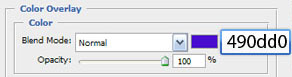
4. Neon Glow On Brick Wall
Create a new layer fill it with the same color as our neon text Select the lasso tool and draw a free hand shape around the text, Then feather your selection, Go to Select> Inverse Selection, then press delete.
If you use a black background you can omit Step 4.